Como usar a função PARTILHA
Compartilhar/Ar mazenamento em nuvem:
Design simples e fácil de usar
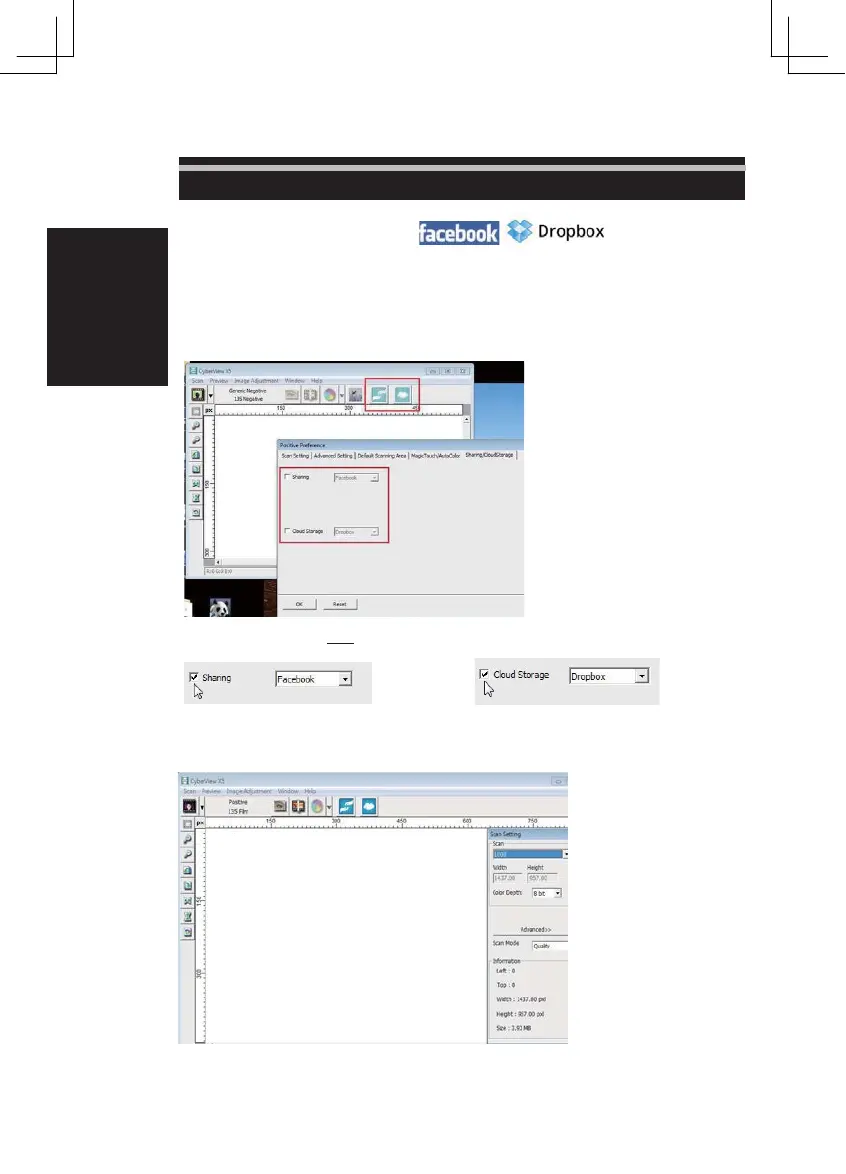
Abra o software CyberviewX 5, você precisará selecionar positivo para slides ou negativos para tiras de
fil me.
Configurar as definições de digitalização - Digitalizar - Preferência - Tipo de filme -
Co mpartilhar/ Ar ma zenamento em nuvem
Nota: as opções da barra de ferramentas são desabilitadas até que ativar na janela Configurações
Selecione o seu método, quer
Compartilhar
ou Nuvem
Depois Clique em " OK".
Os ícones da barra de ferramentas agora estão ativos
26















 To Next Page