16 17
English
HOW TO USE SHARING FUNCTION
Sharing/CloudStorage:
Simple design and easy to use
Open the
CyberviewX
5 software, you will need to select positive for slides or negative for film strips.
Configure the Scan setting - Scan – Preference - Film Type –
Sharing/Cloud
Storage
Note: the tool bar options are disabled until activating in the Settings window
Select your method either Sharing or Cloud
Then Click “OK”
The toolbar icons are now active
English
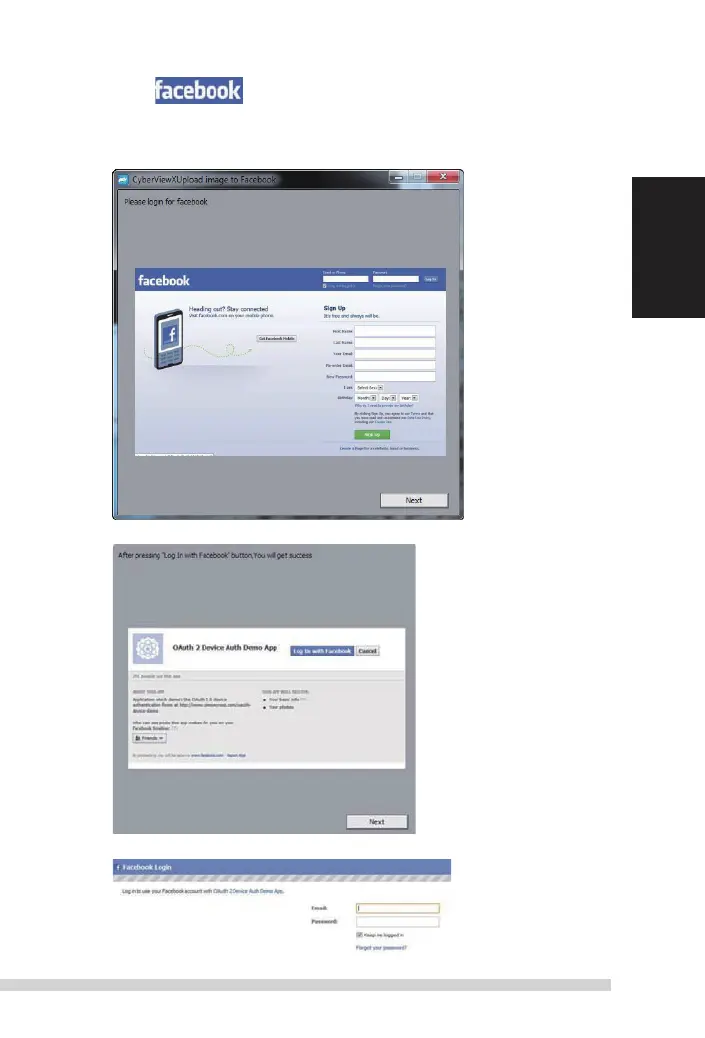
Scanning into , you must first log out of your account, the scanning function will
require authentication/login on each use
1. Log off of your Facebook account
2. In the Cyberview interface activate Sharing feature as described above
3. Follow the onscreen prompts to log in and authenticate the device
Manual-RPS10M.indd 17 23.12.2016 10:00:32















 To Next Page