22 23
English
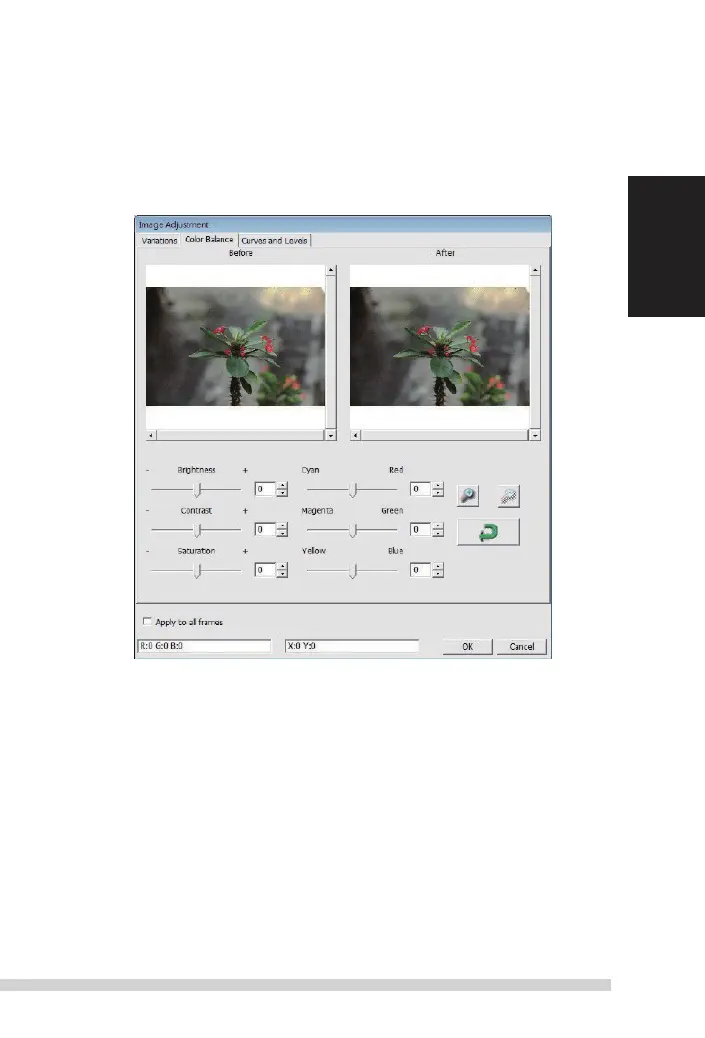
2. Color Balance
to
adjust the brightness, contrast, saturation, and color (CmY or
r
GB)
of the image. Comparisons between before and after adjusted images
are shown for reference.
Example: if a previewed image appears too dark, use the “Brightness” slider in the “Color
Balance” window to adjust the image by selecting the slider in the center and moving it to
the right.
t
he image’s
“after ”
view becomes lighter. select “ok” to accept the changes which
will be sent to the scanning hardware.
t
his can also be used to adjust each of the functions
in “Color Balance” by contrast, saturation and specific color ranges of cyan, magenta and
yellow.
Manual-RPS10M.indd 23 23.12.2016 10:00:32















 To Next Page