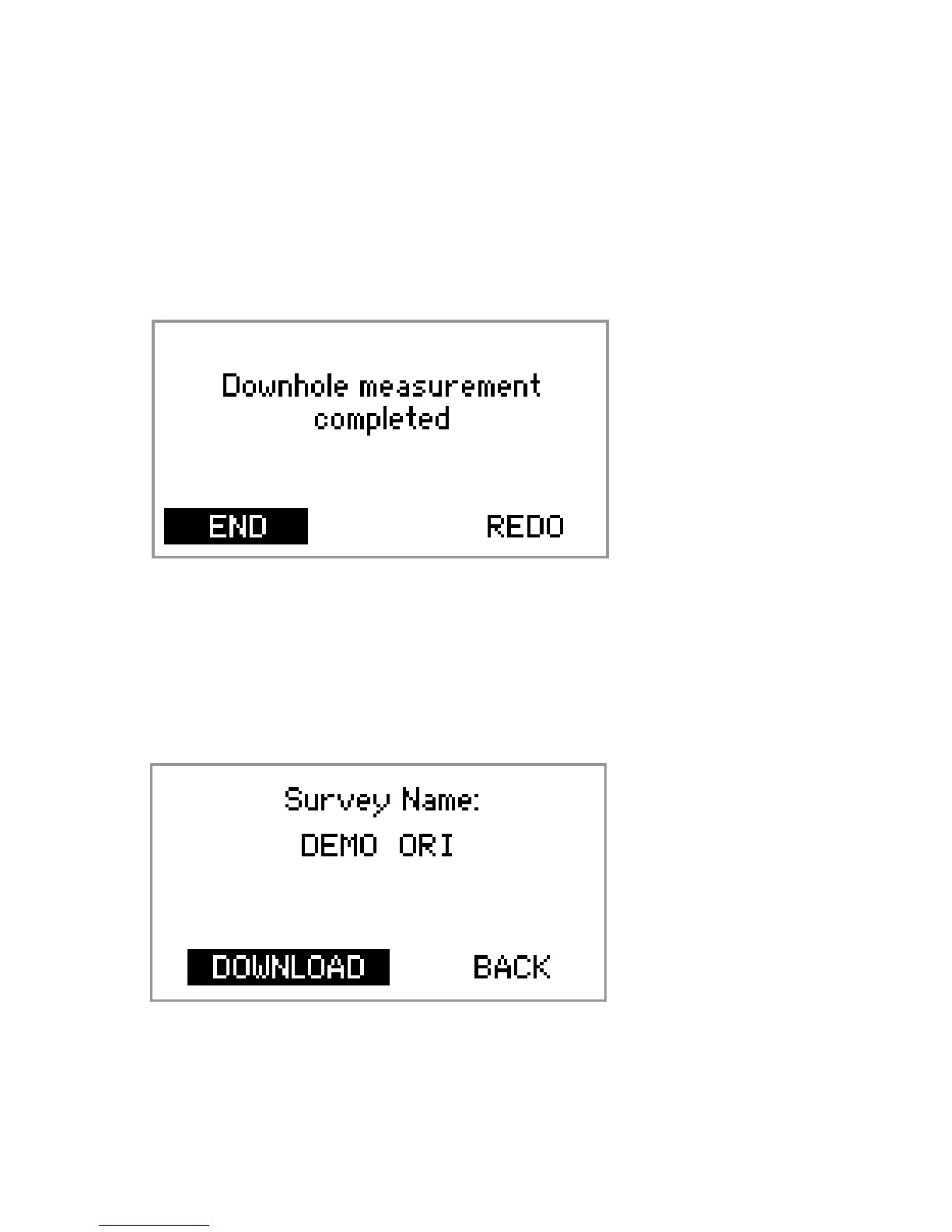
14. a) If a good survey has been taken, highlight END
and press OK.
b) If you are not sure whether or not a good survey
has been taken, highlight REDO and press OK.
Repeat step 13.
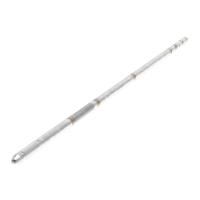
15. Retrieve the instrument. Check that the Muleshoe
lead has been ‘stung’. Undo the instrument from the
top sub to expose the IR port. Highlight
DOWNLOAD, point the IR ports at each other and
press OK.
17


 To Next Page
 Loading...