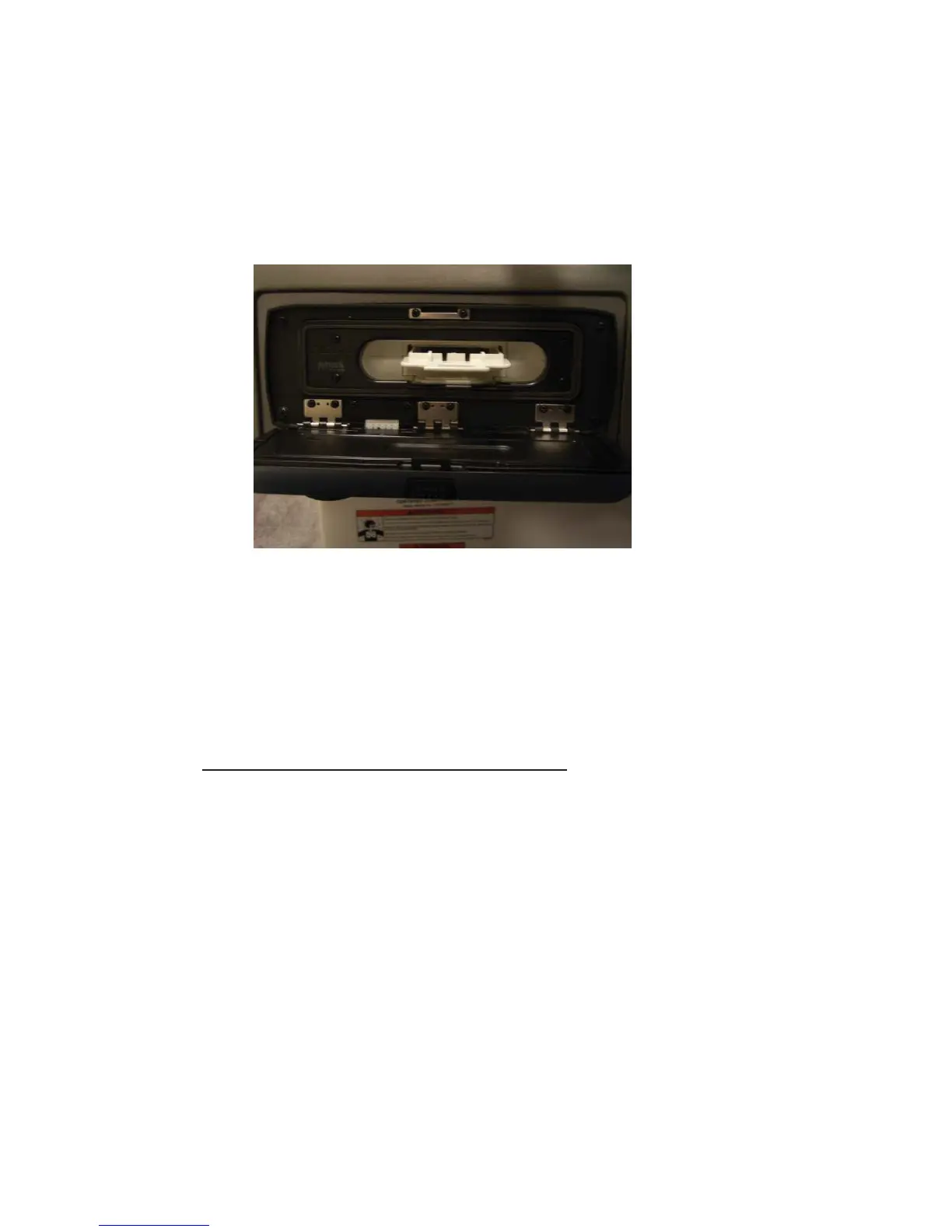
Typical Internal iPod Docking Station
The play/pause, back/previous, and next/forward buttons should
function as previously described. To repeat or shuffl e, press the menu
button and select the “Repeat/shuffl e” option. Select “Repeat Track”
to repeat the current track, or “Shuffl e Tracks” to shuffl e individual
tracks or “Shuffl e Album” to shuffl e the playback of songs within an
album.
AUXILIARY CONNECTION & PLAYBACK
Auxiliary listening devices are connected using RCA cables at the back
of the stereo device. Some auxiliary devices may require an adapter
cable to connect to your stereo system. Simply plug in the left (white)
and right (red) inputs to their mating plug on the stereo. Turn on
your device and then select the auxiliary device using the auxiliary
button located in the middle of the top row of function buttons on
the stereo face.
Volume depending on the auxiliary device may be controlled on the
device itself, through the Fusion radio, or some combination thereof.
6-32
Equipment Operation



 To Next Page