13
Option: If the key is pressed 2 seconds long, further memory cells can
be chosen.
11 – Display PV Actual value display (from 70°C)
12 – Display SV Desired value display = set value (casting temperature)
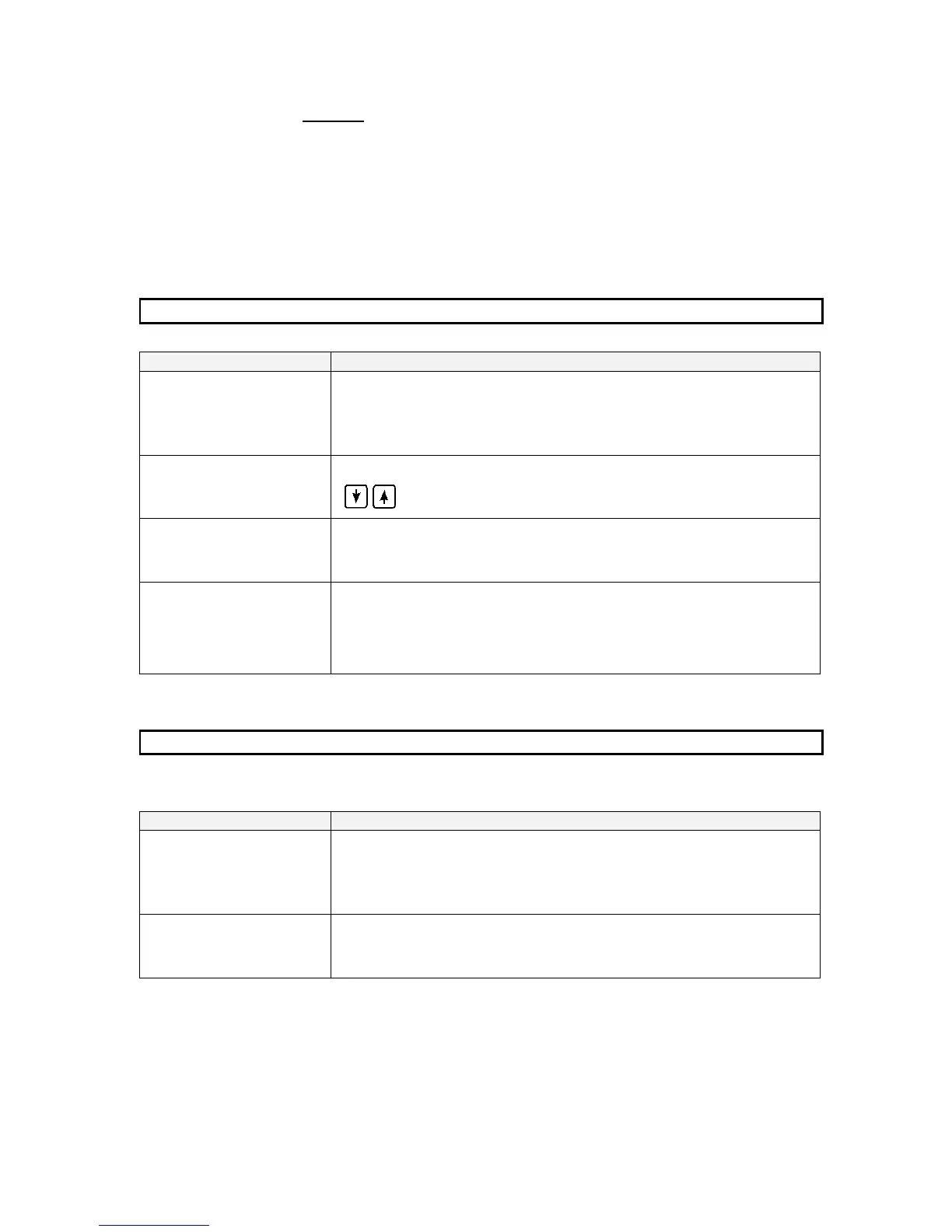
4.5 Programming memory cells
Choose memory cell
(optional)
⋅ Press U -key several times 2 sec. long until the required
selection appears
Select casting
temperature
⋅ Press P-key, change value with arrow key
Store modified values
⋅ Press P-key
Calling every single
programs’ memory cells
⋅ Press U key resp. 2 sec. for scaling, until set value
(°C) is shown.
4.6 Possible operator’s intervention into casting process
Interrupt melting
procedure
⋅ Turn heat control to the left to „0“
Reduce
meltingperformance
⋅ Turn heat control to the left to „5“ or press Argon key
Entry of the casting temperature for non-precious metal is generally corresponding to the
specifications of the alloy suppliers. The specifications are subject to correction and have to
prove while practising.


 To Next Page