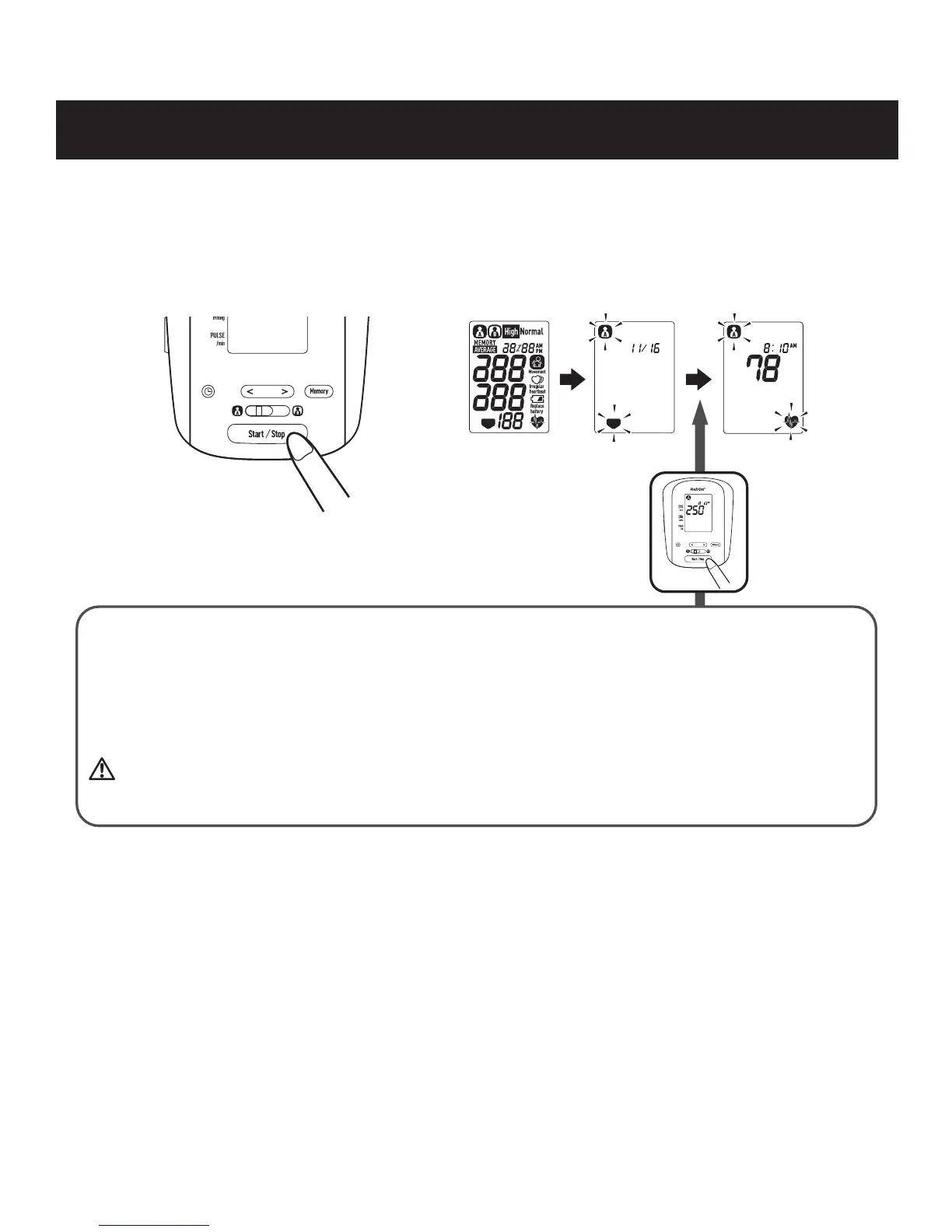
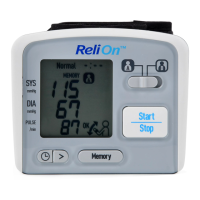
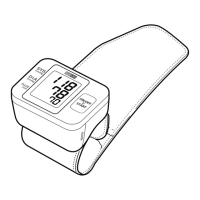
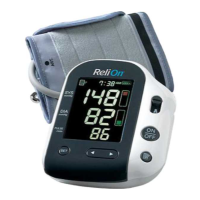
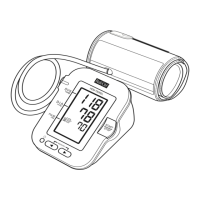
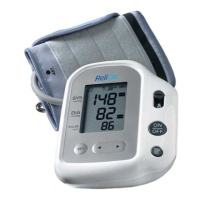
3. Press the Start/Stop button. All symbols appear on the display.
The cuff starts to inflate automatically. As the cuff inflates, the monitor
automatically determines your ideal inflation level.
Remain still and do not move your arm until the entire measurement process is
completed.
NOTE: To stop the inflation or measurement, push the Start/Stop button. The
monitor will stop inflating, start deflating, and will turn off.
If your systolic pressure is more than 210 mmHg
After the arm cuff starts to inflate, press and hold the Start/Stop button until the
monitor inflates 30 to 40 mmHg higher than your expected systolic pressure.
NOTE: The monitor will not inflate above 299 mmHg.
Inflating to a higher pressure than necessary may result in bruising where the
arm cuff is applied.
TAKING A MEASUREMENT
17


 To Next Page