28
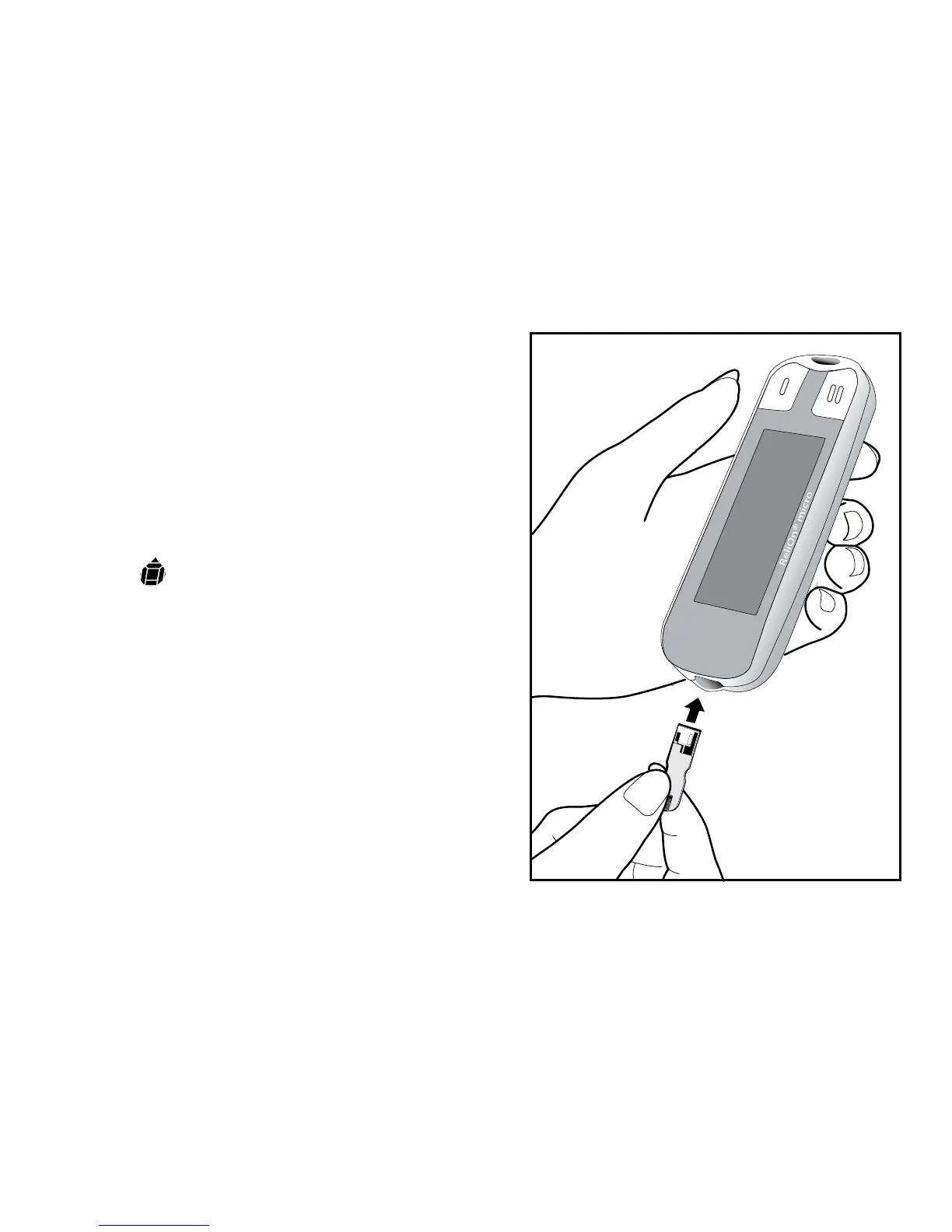
Step 1: Insert a test strip as shown
in diagram. Test strip should seat
firmly into meter. The meter will turn
on automatically. The full screen will
come on for a moment. Make sure
all symbols appear on the screen
(see page 8). The last result will
then appear. Then the Apply Blood
Symbol will alternate with the
code number (F-2, F-3, or F-4). Make
sure that the code number on the
screen matches the code number
on the test strip bottle. If screen code
does not match the test strip code,
use a new test strip. If code still does
not match, use a new bottle of
test strips or call Customer Service
at 800.631.0076 (24 hours a day, 7
days).



 To Next Page