43
If it takes longer than 20 seconds to obtain a blood sample and to
touch the test strip to the blood drop, repeat Step 3.
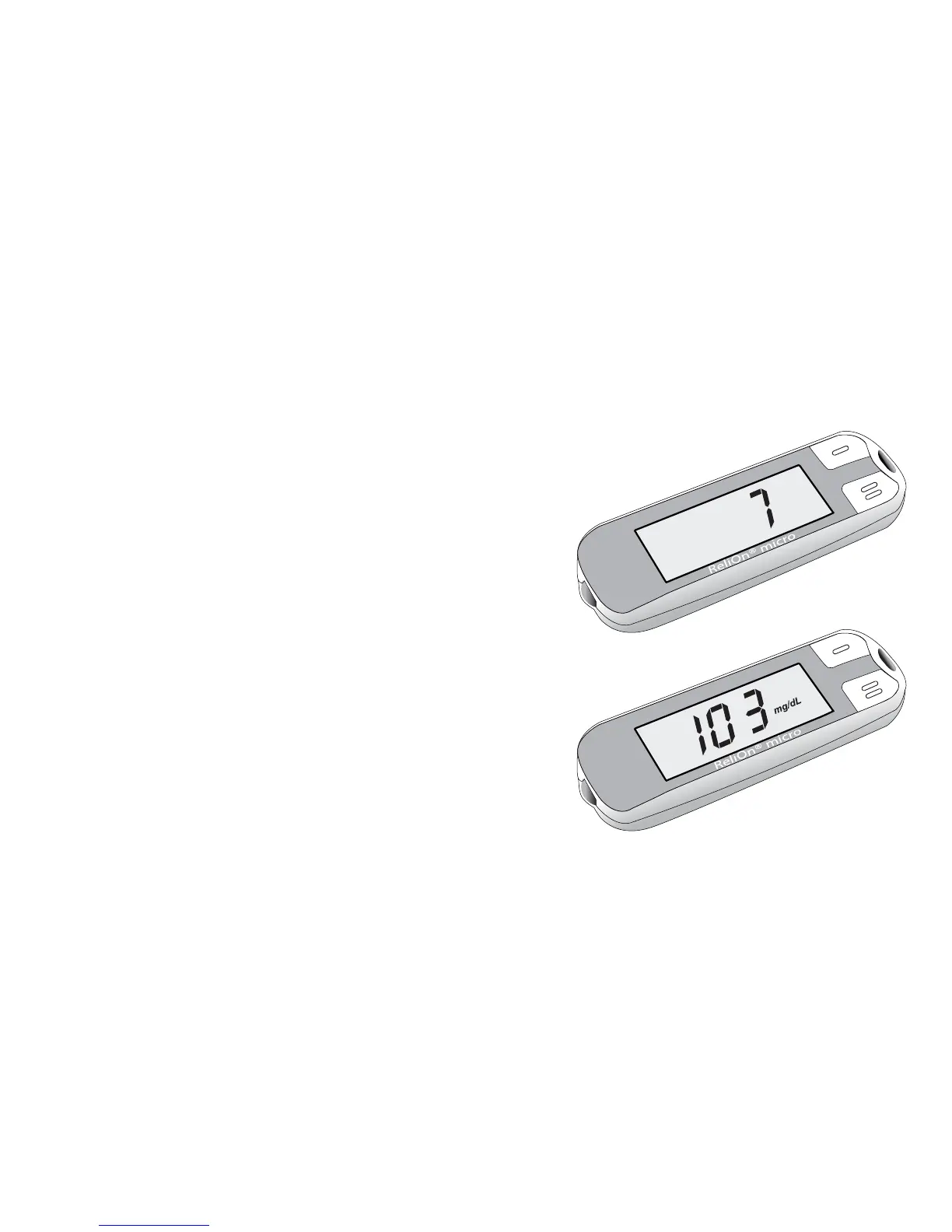
Step 4: The meter will count down, starting
from “7”. After 7 seconds, a beep sounds
and the test result and date/time are shown.
Results will be shown in units of mg/dL.
Record result in your logbook.
Step 5: When the test is done, pull out test
strip. Dispose of test strip. The meter shuts
off automatically when you remove the
test strip.
Remove lancet from lancing device.
Dispose used lancet according to
local guidelines.



 To Next Page