19
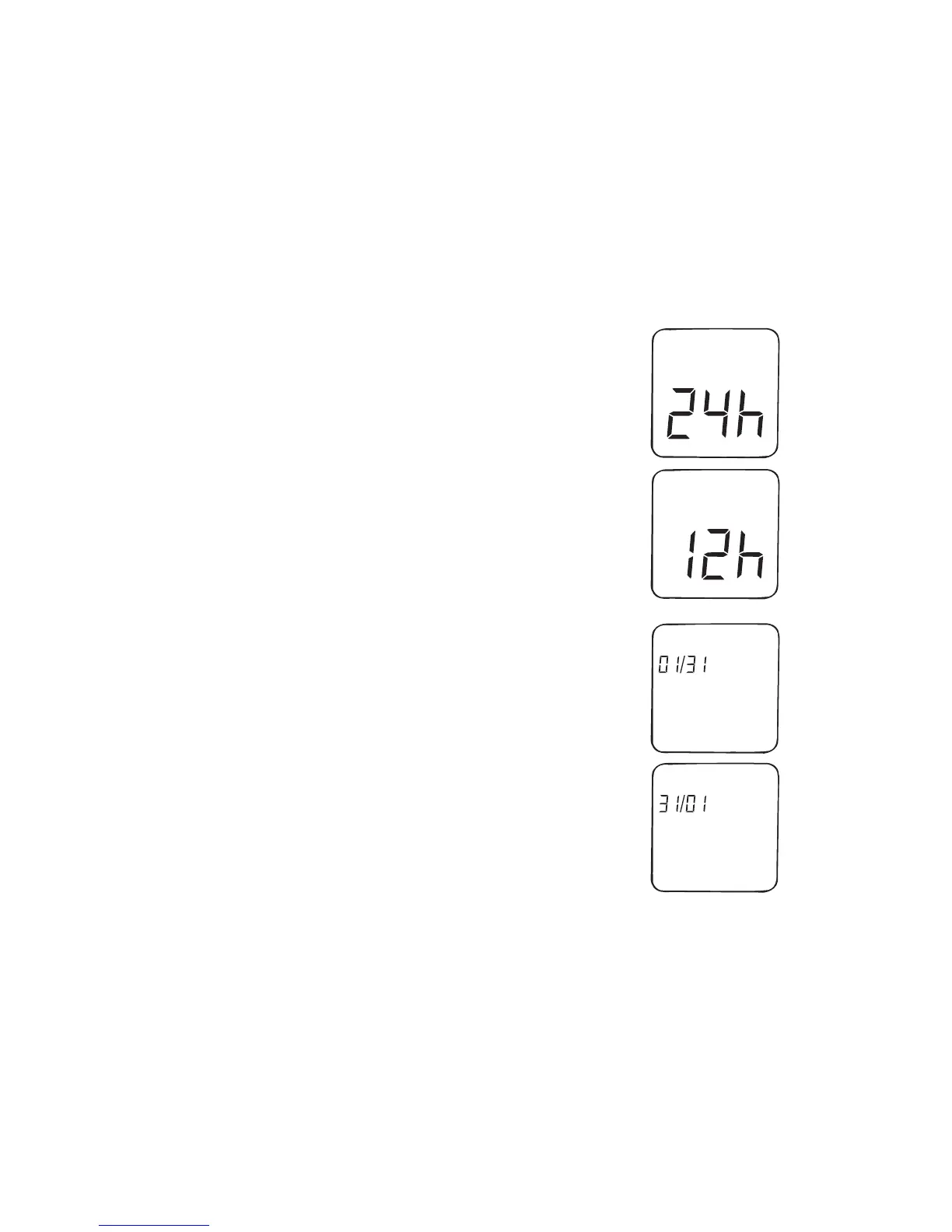
Step 3: Set the time format
The time can be displayed in either 24-hour format or
12-hour format with AM and PM. The meter displays
the current time format. To change format, press
button to select the time format. The date format then
appears on the display.
Step 4: Set the date format
the current format. To change format, press either the
select the date format. The hour setting then flashes
on the display.



 To Next Page