20
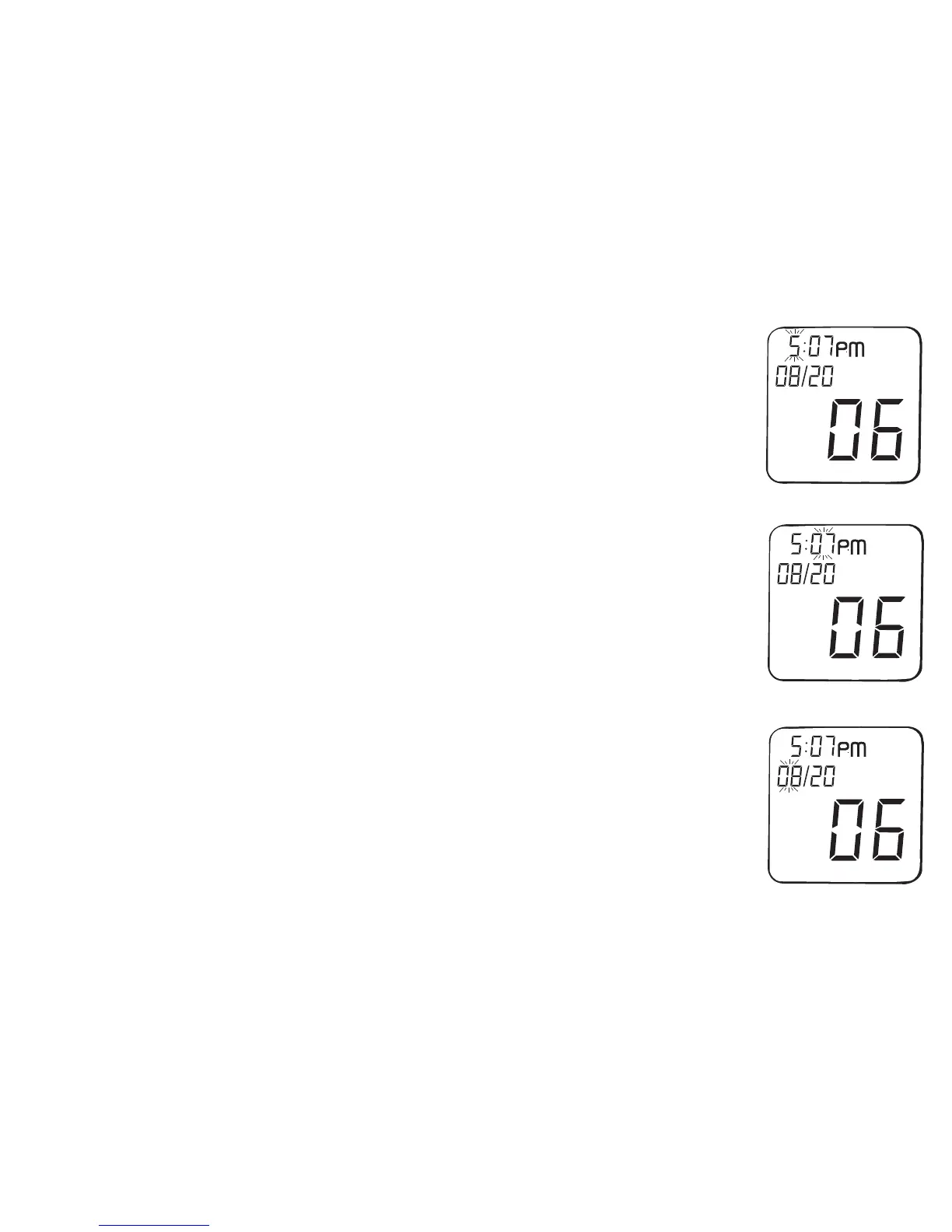
Step 5: Set the hour
Press and release the Back or Forward button to change the hour.
Hold the Back or Forward button down to scroll through quickly.
minute setting then flashes on the display.
Step 6: Set the minute
Press and release the Back or Forward button until the correct
minute appears. Hold the Back or Forward button down to
scroll through quickly. When the correct minute is displayed,
display.
Step 7: Set the month (If day/month format is selected then
Step 7 will set day)
Press and release the Back or Forward button until the correct
month appears. Hold the Back or Forward button down to scroll
through quickly. When the correct month is displayed, press
Hour flashing
Minute flashing
Month flashing



 To Next Page