64
Convert in your selected language
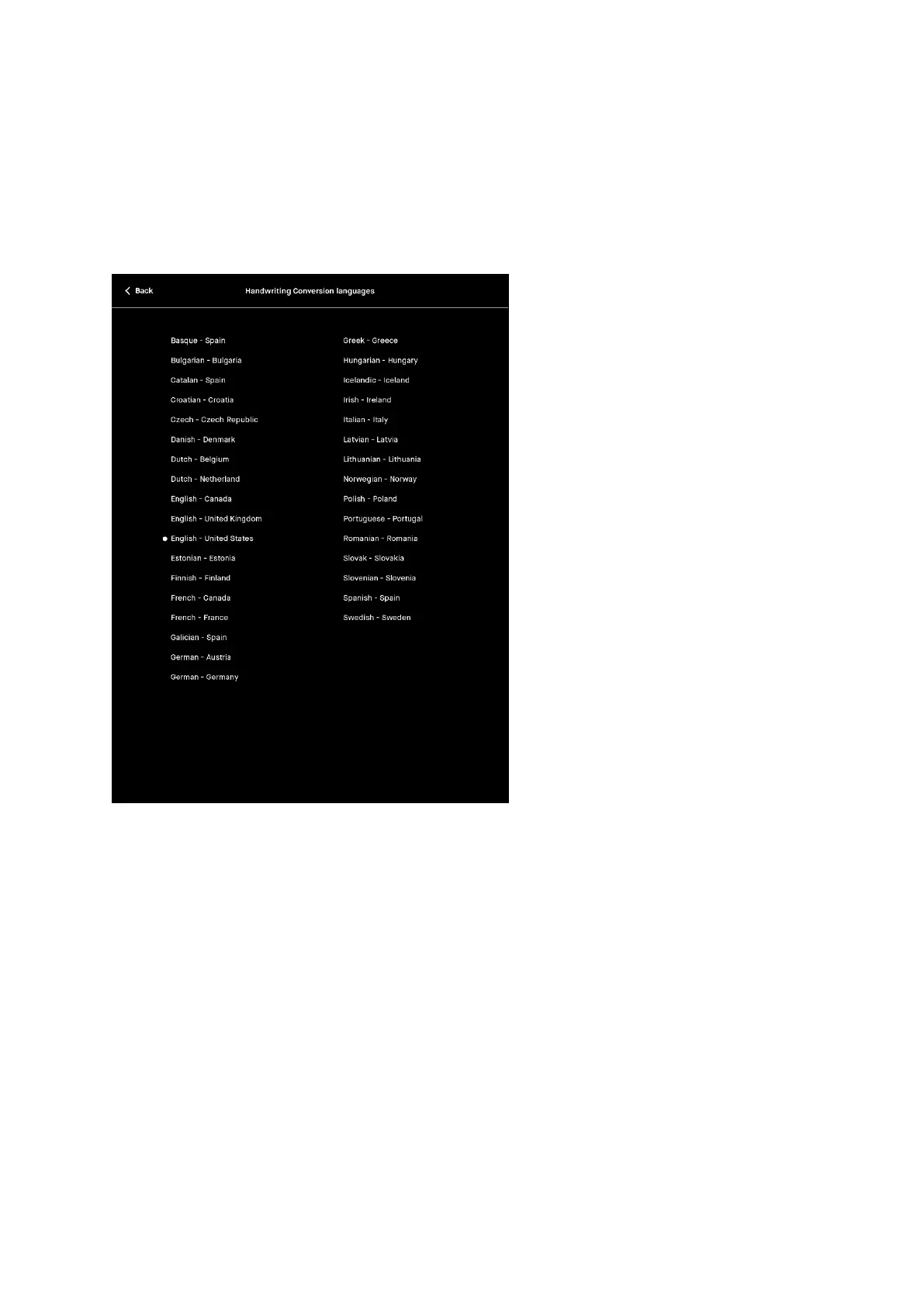
For the best results when converting text you can specify which language your notes
are written in. To specify your language, go to the Settings page where you will find
the language selection option in the Handwriting Conversion Settings page.
Select the language of your handwritten notes
How to convert multiple pages at once
If you you want to convert more than one page at a time, you can do this by tapping
the Select pages button on the top right corner of the Action bar when the first page
of conversion is complete. You can also convert multiple pages by tapping Page
overview and selecting the Convert button.



 To Next Page