65
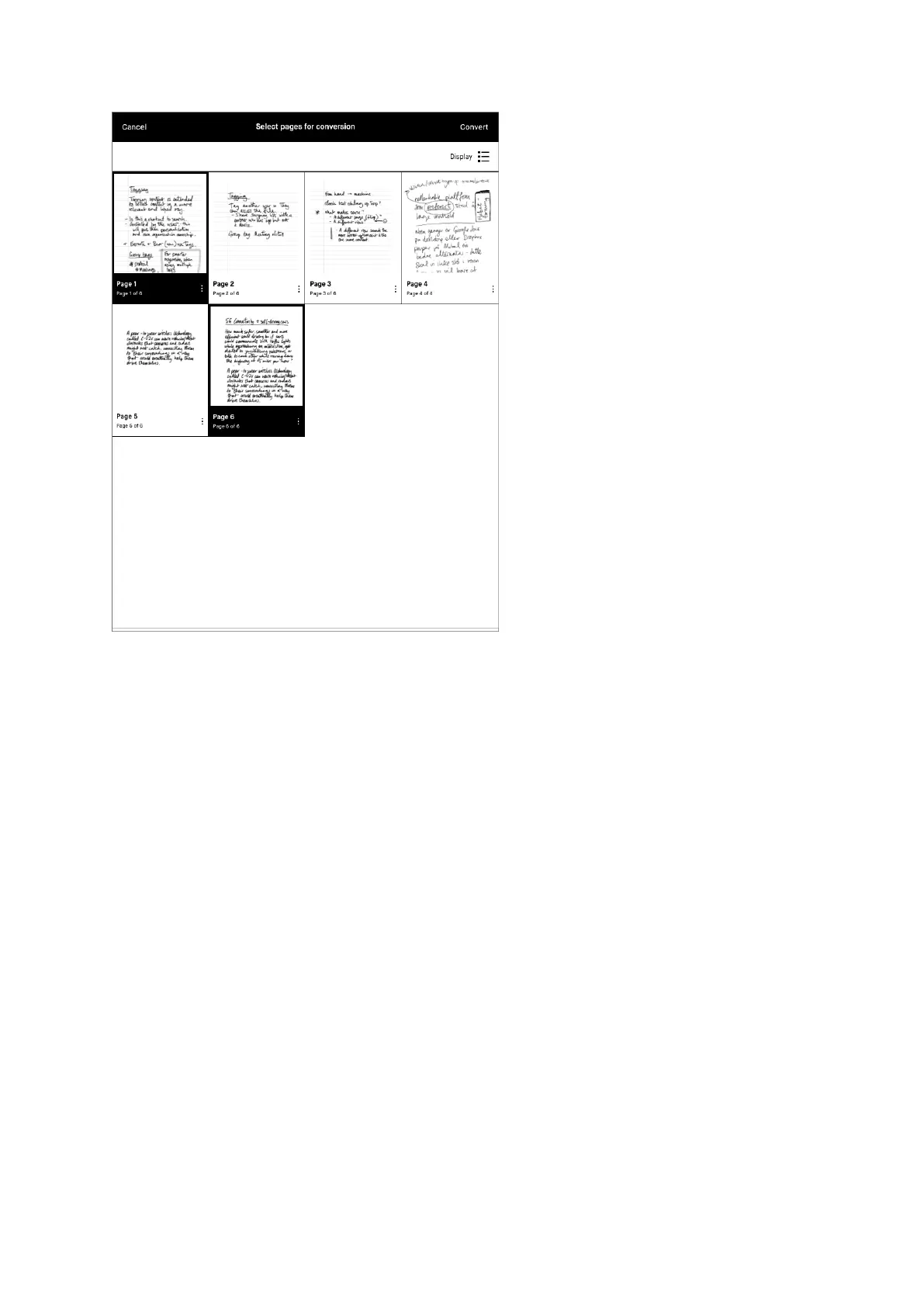
Select multiple pages for conversion
Edit your notes before sharing
Once your handwritten notes are converted to typed text they can easily be edited
and shared by email. Editing the typed text does not affect your handwritten
notes. Changes made to the typed text will not be saved if you tap "cancel". Use the
left and right physical buttons, or scroll up and down with your marker or finger, to
read or edit the text while it is being converted.
Here is how to edit your notes before sharing them:
1. Tap the word or letter in the typed text you want to edit
2. Use the onscreen keyboard to make changes
3. Select Share and type in the recipient email address



 To Next Page