15
TREATMENT CAPS
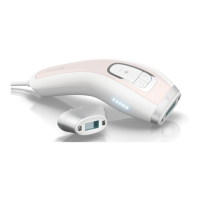
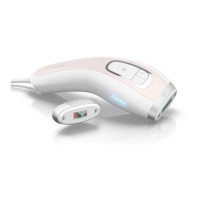
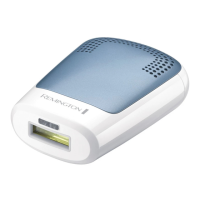
The device comes with the Body
Treatment Cap (large window size) and the
Precision Treatment Cap.
A Lamp Cartridge is included in the Hand
Piece, and provides 100,000 ashes
before it needs to be replaced.
CHANGING TREATMENT CAPS
To change Treatment Caps, use the
following instructions:
1. If on, turn the power o by pressing
the Power Button once
2. Unplug the Power Cord from the
electrical outlet.
3. Allow the system to cool down for 5
minutes before attempting to change
the Treatment Cap.
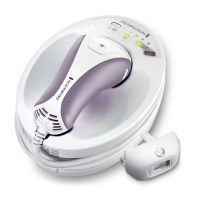
4. Hold the Treatment Cap with one hand
and the Hand Piece with the other,
and gently pull the Cap away from the
Hand Piece. Store the used Treatment
Cap in a safe location, such as the
original packaging, taking care not
to touch the Flash Window and other
components inside.
5. Make sure the cartridge is rmly
pushed in. Then align the next
Treatment Cap with the Hand Piece,
and gently slide into place.
Note: The long tab with gold circuits
must be on top to properly t. The
Cap will automatically click into place
when properly aligned.


 To Next Page
 Loading...