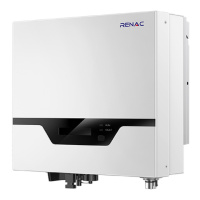
7.3 LCD operation
1. LCD display
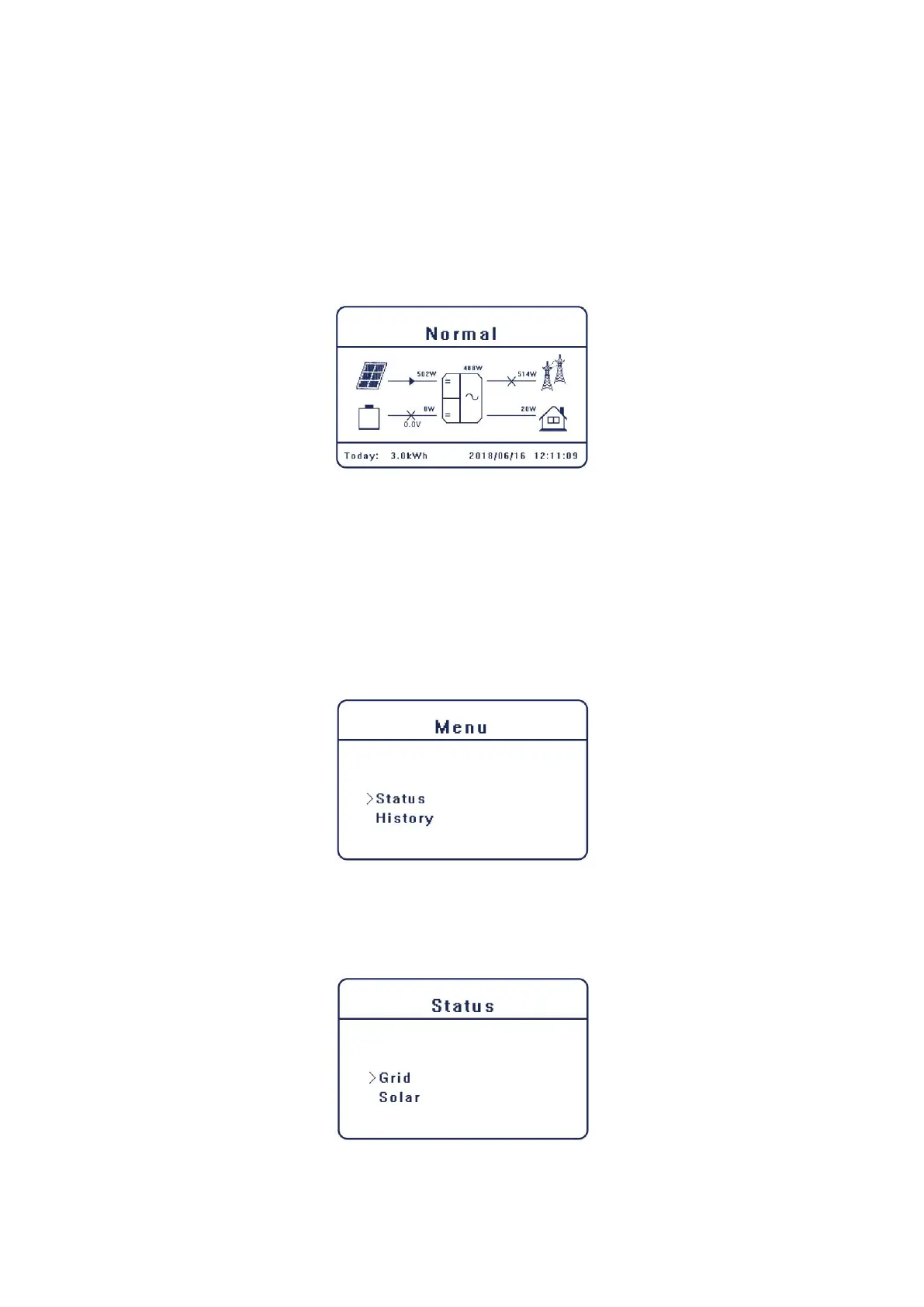
The main interface is the default interface, and the inverter will automatically jump to this
interface when the system starts up successfully or be not operated for a period of time.
The information of the interface is as below. “Today” means the power generated within the day.
“Normal” shows the status of the inverter.
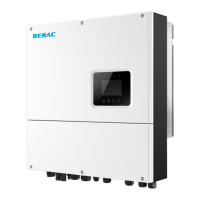
2. Menu interface
The main interface is a transfer interface for user to get into the other interface to finish the
setting or to get the information.
User can get into this interface by pressing “OK” button when the LCD displays the main
interface.
User can select interface by moving the cursor with the function button, and press “OK” to
confirm.
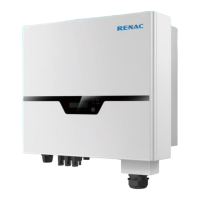
3. Status
The status function contains four aspects of the inverter, grid , solar, battery and EPS.
Press up and down to select and press “OK” to confirm the selection, press “ESC” to return to the
Menu.



 To Next Page