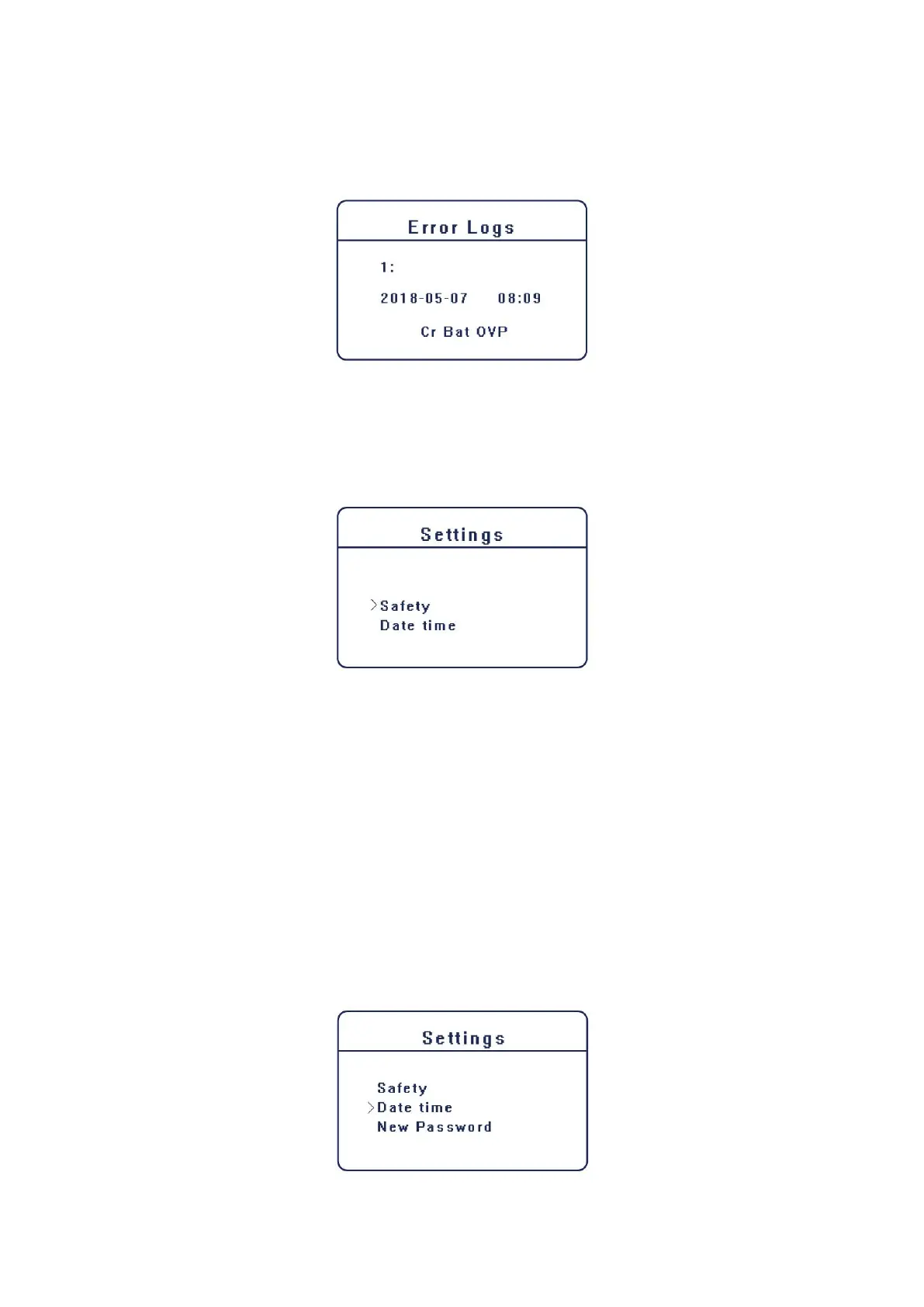
C) Error Logs
The Error logs contain the error information happened, which can record for three items.
Press up and down button to review the parameter. Press “ ESC” to return to History
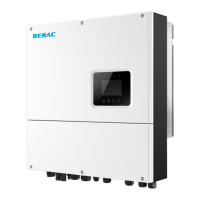
4. Settings
Setting function is used for set the inverter for time, connection, battery, Ethernet, Grid and so on.
Since the function will change the inverter’s parameter, the end user with the user password as
“0000” have the limited authority to change the settings. We need installer password to do the
most of professional setting.
A) Password
The default password is “0000” for end user , which only allow the user to review the current
setting and some easy settings. If professional change is needed, please contact with the
distributor or factory for the installer password.
B) Safety
User can set safety standard according to different counties and grid tied standards, please refer
to chapter 5 for the details.
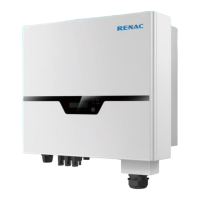
C) Date time
This interface is for user to set the system date and time. Increase or decrease the word by
pressing up or down button. Press “OK” to confirm and alternate to the next word. After all the
words are confirmed. Press “OK” to enter the date and time.



 To Next Page