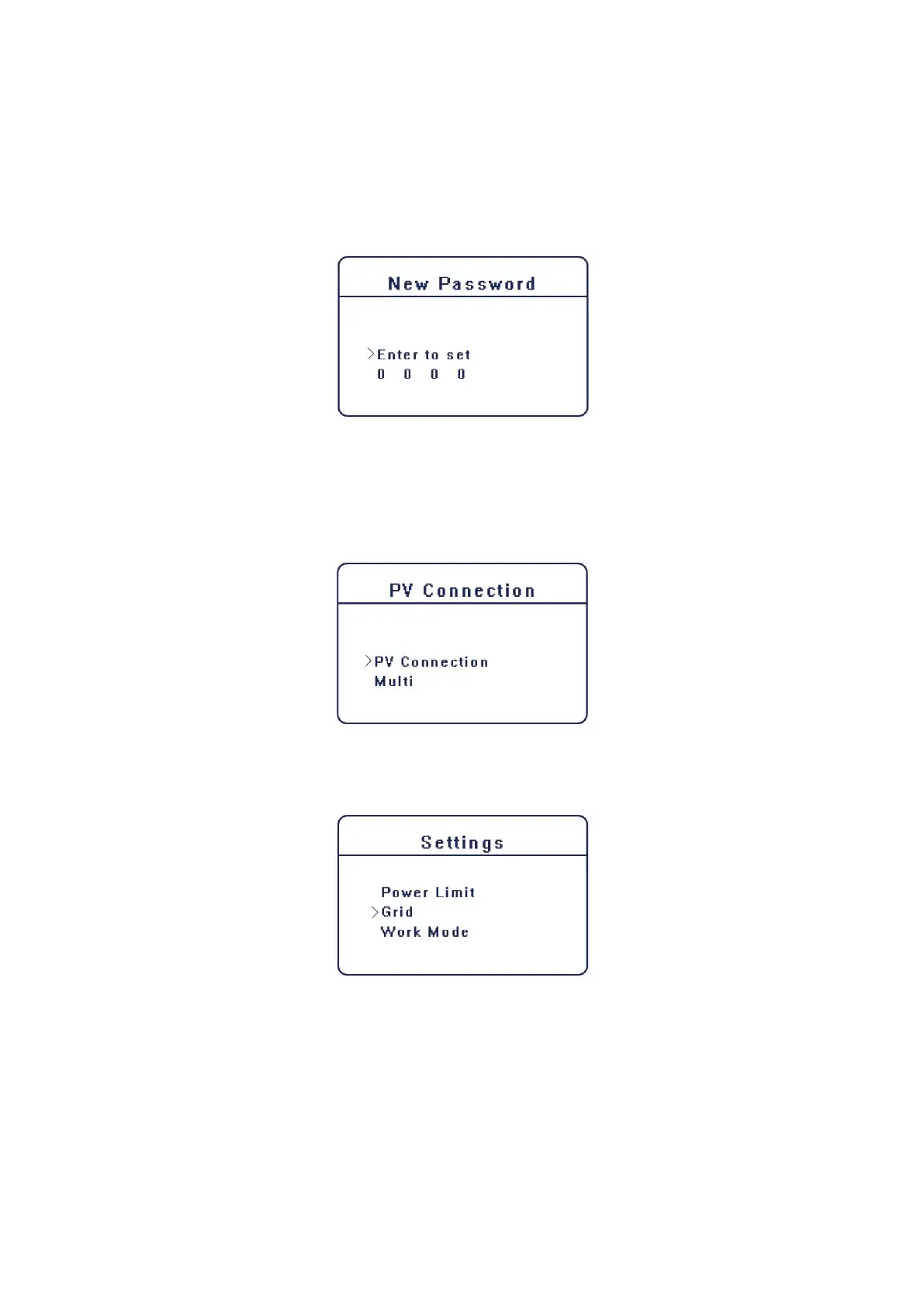
D) New Password
User can set the new password here. We need to increase or decreased the word by pressing up
or down button, Press “OK” “ to confirm and alternate to the next word.
After all the words are confirmed. Press “OK” to reset the password.
E) PV Connection
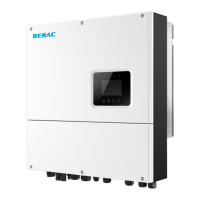
This function can set the mode of PV input. There are two modes for choice; Comm and Multi.
The “Comm” mode means single MPP tracking, 2 MPPT working together; “Multi” means multi-
MPP tracking, 2 MPPT work independently. Press up or down button to select and press “OK” to
confirm.
F) Power limit
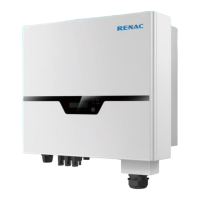
User can set the output power limitation of the inverter here, the setting value is from 0.00-1.00.
G) Work mode
The default work mode of the inverter is Self-Use mode. User can set the work mode as Self Use
or Force Time Use here as describe in 3.1.
For the Force Time Use. User can set 2 periods of the start and end time of charger or discharge.
Also can select if charging from grid for each charging period.



 To Next Page