NU739_4_G1-FRA.qxd 19/01/06 11:56 Page 1.08
NU739-4 - B73
C:\Documentum\Checkout\NU739_4_T1-ENG.win 20/3/2006 13:30
-page16
1.08
RENAULT CARD IN HANDS-FREE MODE: use (continued)
Exiting Hands-Free mode
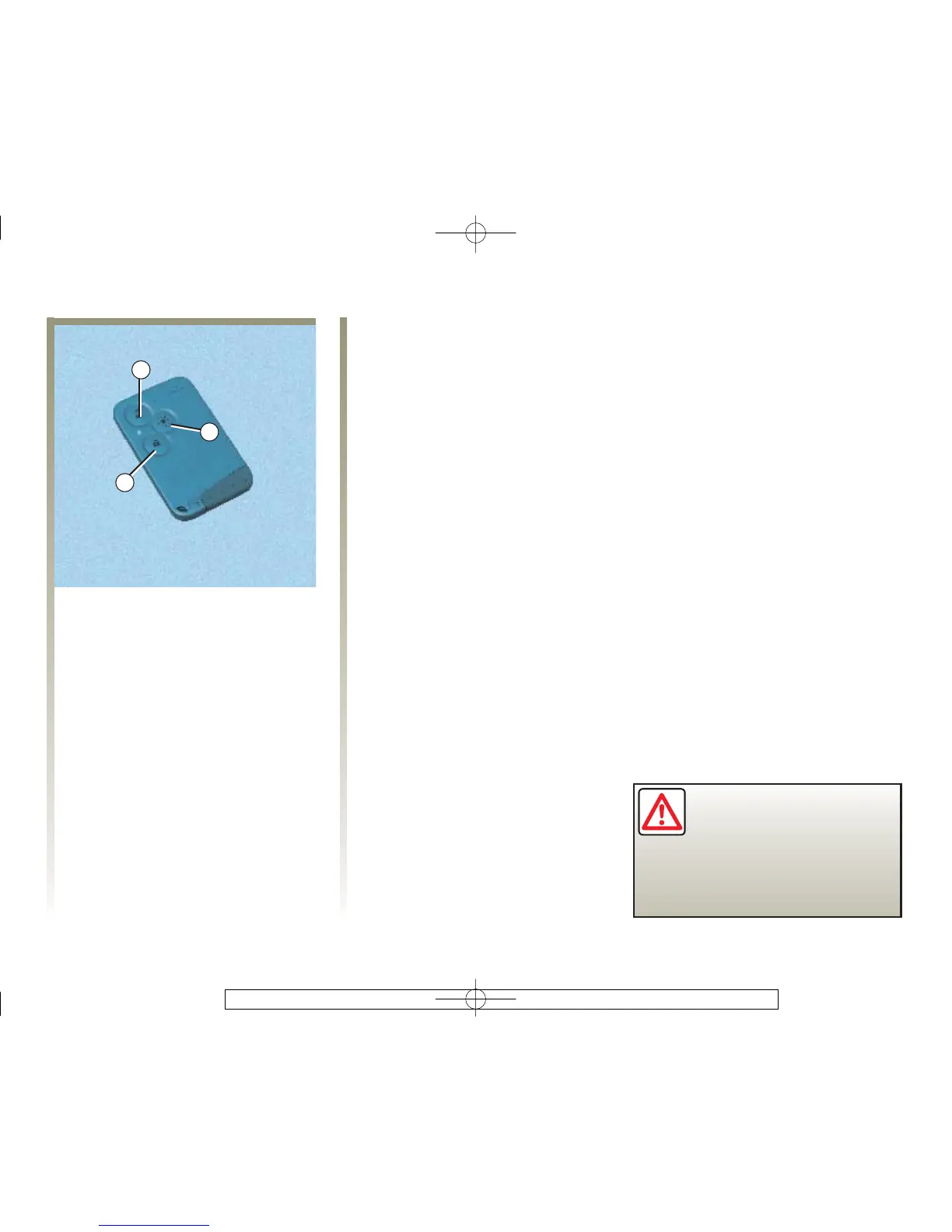
If you wish, you can exit the
hands-free mode by pressing button
1 or 2; you will then switch to
manual mode and operation of the
RENAULT card is the same as that
described in the section entitled
Remote control RENAULT card:
use.
Returning to hands-free mode
Hands-Free mode returns
automatically each time the vehicle
ignition is switched on.
Distance lighting function
This can, for example, identify the
vehicle from a distance when
parked in a car park.
The side lights, dipped lights,
indicators and interior lights light
up for about 30 seconds when
button 3 is pressed.
Note: pressing button 3 again during
the 30 seconds turns the lights off.
Never leave your vehicle
without first removing the
RENAULT card.



 To Next Page