NU739_4_G1-FRA.qxd 19/01/06 11:59 Page 1.72
NU739-4 - B73
C:\Documentum\Checkout\NU739_4_T1-ENG.win 20/3/2006 13:31
-page80
1.72
EXTERNAL LIGHTING AND SIGNALS
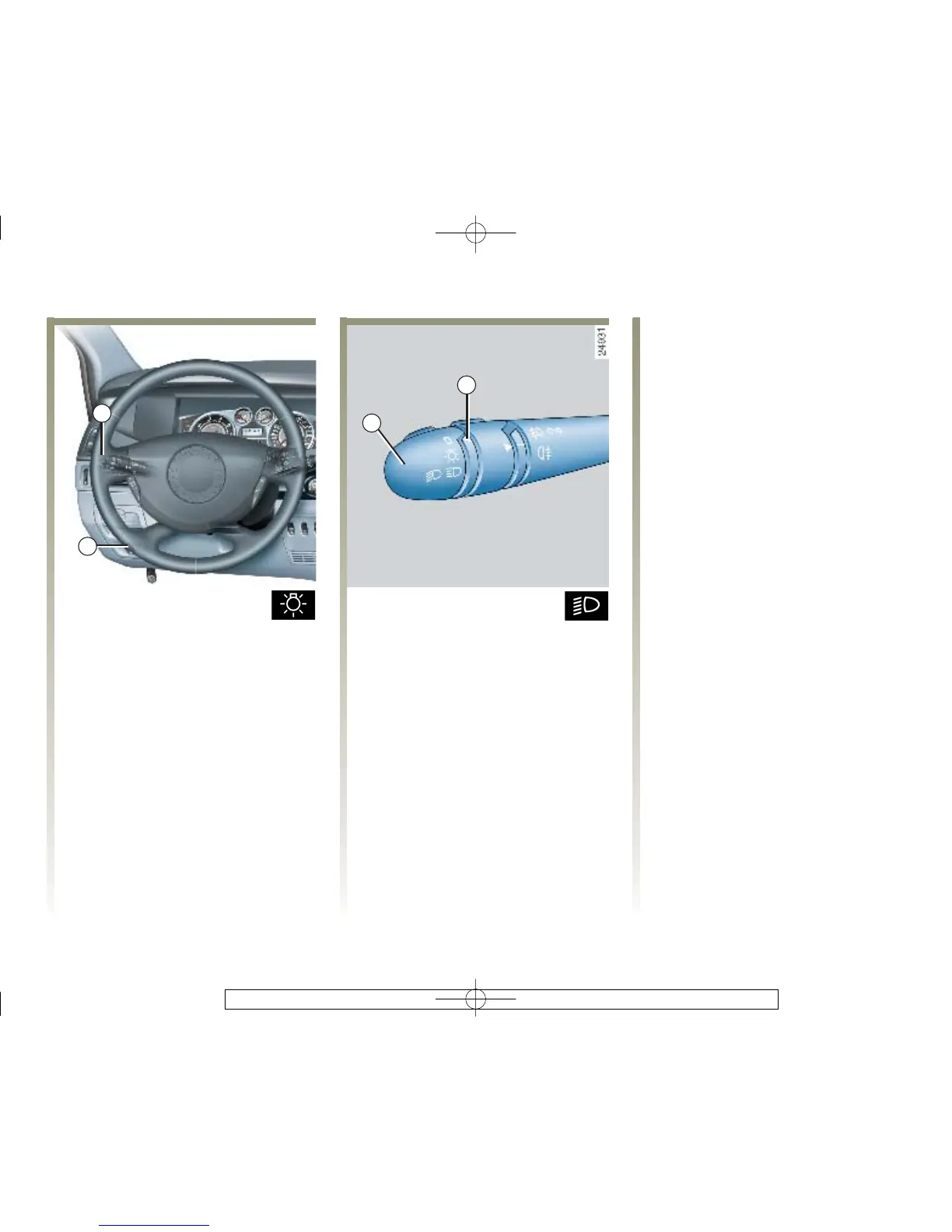
Side lights
Turn t he e nd o f s wit ch 1
until the symbol is opposite mark 3.
The instrument panel lights up, the
brightness can be adjusted by using
control knob 2.
Dipped beam headlights
Automatic operation
With the engine running, the
dipped beam headlights are
switched on or off automatically
depending on the level of ambient
light, without the need to operate
the stalk 1 (position 0).
This function can be deactivated or
reactivated.
- To deactivate it, with the ignition
switched on and engine stopped,
turn stalk 1 twice consecutively
from position 0 to side lights. A
bleep confirms this action and the
message “Headlight automatic
operation” deactivated is
displayed.
Automatic operation (continued)
- To activate it, with the ignition
switched on and the engine
stopped or running, turn stalk 1
twice consecutively from position
0 to side lights. The message
“Headlight automatic operation”
active is displayed.
-Togotothemainbeamheadlight
position, pull stalk 1 towards you.
To return to the dipped beam
headlight position, pull the stalk
towards you again.
- The lights go out when the engine
is stopped, when the driver's door
is opened or when the vehicle is
locked with the RENAULT card.
Manual operation
Turn the end of sta lk 1 until the
symbol faces mark 3.
In all cases, a warning light on the
instrument panel comes on.



 To Next Page