NU739_4_G1-FRA.qxd 19/01/06 11:58 Page 1.65
NU739-4 - B73
C:\Documentum\Checkout\NU739_4_T1-ENG.win 20/3/2006 13:30
-page73
1.65
TRIP COMPUTER AND WARNING SYSTEM (continued)
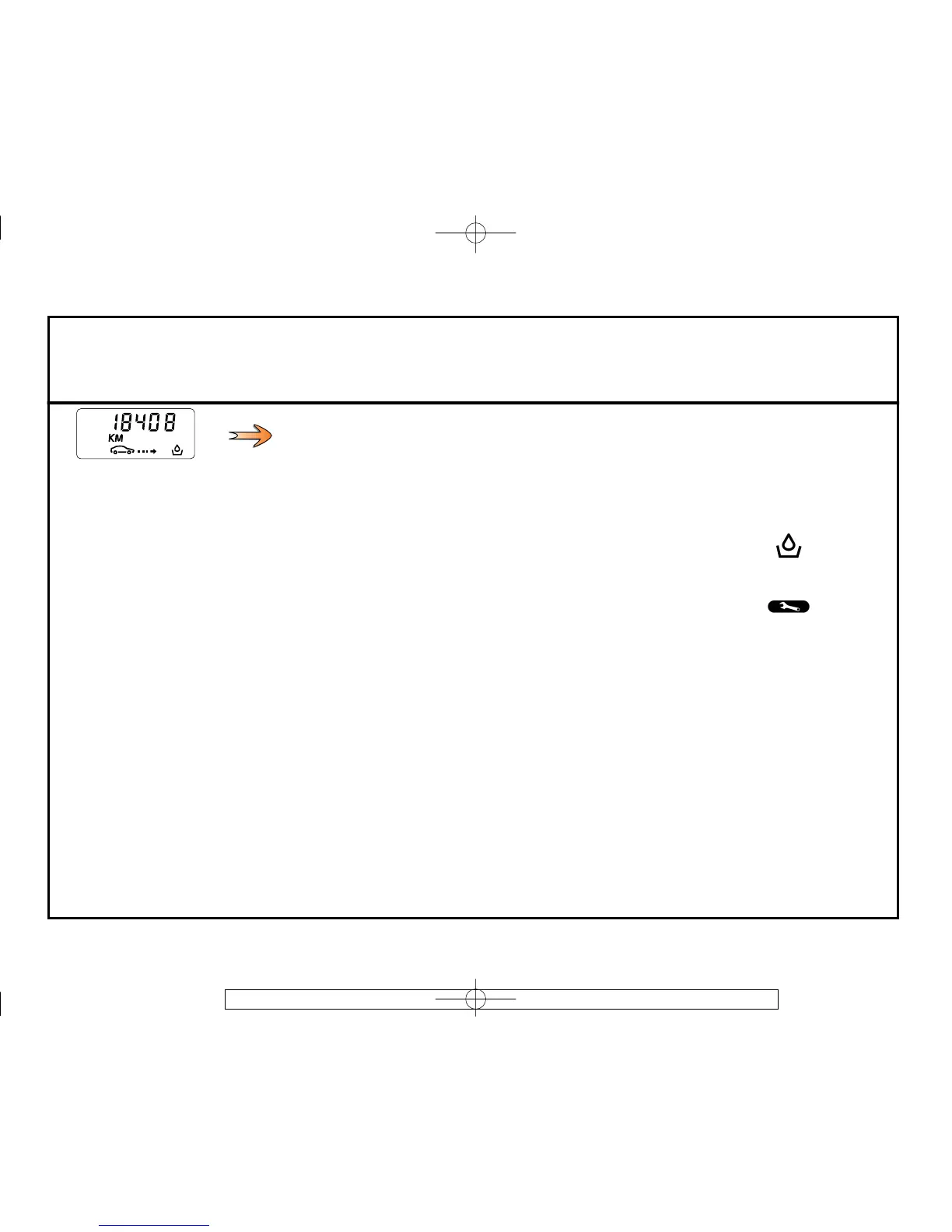
Examples of display
selections by pressing 3
Interpreting the display
i) Distance before oil service/Range
Distance before the next service.
There are several scenarios:
• range less than 900 miles (1,500 km) or next service date planned within two
months. The oil service value is replaced by dashes and the message “Oil change
required soon” appears on the display for approximately 25 seconds.
• mileage equal to 0miles(0km)or date of service reached. The illustration
appears constantly, regardless of what information is selected on the display; the
value is replaced by dashes and the message “Change oil as soon as possible” is
displayed on the information display and the indicator light comes on.
Resetting the display after service in accordance with the maintenance schedule
The mileage before oil change/service must only be reset after a service complying
with the recommendations in the Maintenance Service Booklet. If you decide to
change the oil more frequently, do not reset this data each time the oil is changed.
This prevents the replacement interval from being exceeded for other parts
included in the maintenance schedule.
With the ignition switched on, select the mileage before oil service information on
the display. Keep key 2 pressed for more than 10 seconds. The value on the display
flashes 4 times and is then replaced by the reset mileage before oil service value.
This flashes 4 times. Release key 2, the value is lit up and stored.



 To Next Page