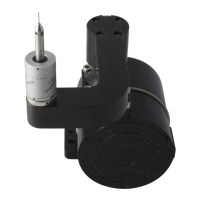
CAUTION: The MSR1 rack is not crash-protected. It is recommended that the rack is mounted outside or close to the edge of the
working volume of the CMM.
Two mounting options are available for the MSR1 - CMM table mounted and wall mounted.
Mounting MSR1 onto a CMM table
To mount MSR1 onto your CMM table, carry out the following procedure:
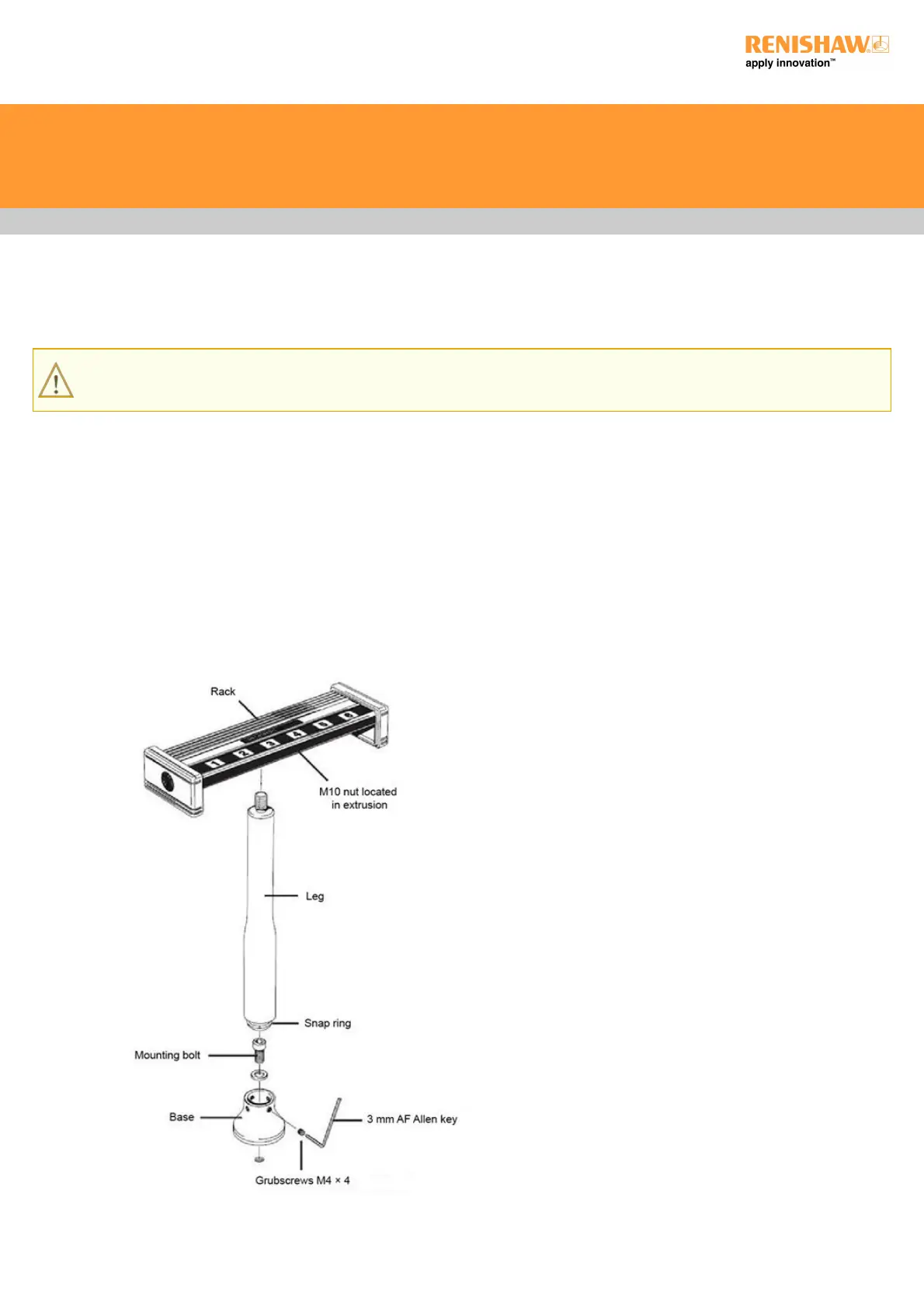
1. Place the base over a threaded insert at the desired location on the CMM table and screw down using the M8 or M10 bolt supplied.
2. Screw the leg a few turns into the M10 nut located in the underside of the rack extrusion. Slide the rack along to the centre or other
location, as required, and tighten by hand.
3. Push the lower end of the leg firmly into the base and rotate the rack to the required orientation. Tighten the grubscrews using the
hexagonal key supplied.


 To Next Page