19
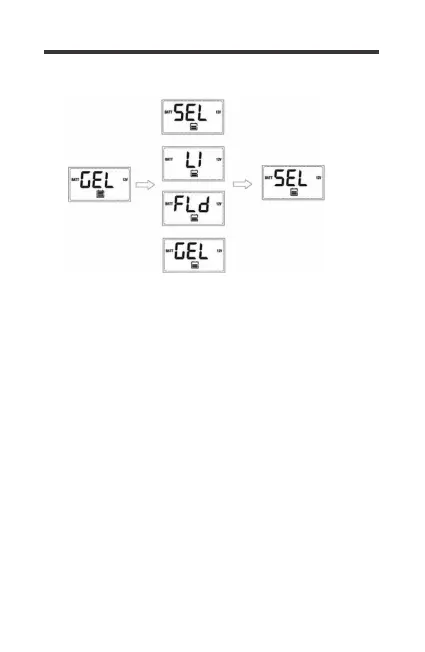
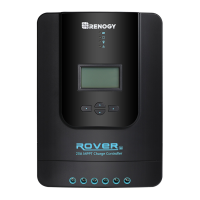
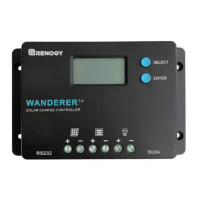
Press SELECT until you highlight the Battery Voltage Screen
where it should demonstrate the battery icon and voltage.
Lithium
1.Highlight Battery Voltage Screen
2.Hold ENTER for approximately 3s until the battery type starts
to flash
3.Tap SELECT to highlight Lithium battery, Tap ENTER to
confirm Lithium
4.Tap SELECT to highlight nominal battery voltage as 12V or
24V, Tap Enter to confirm
5.Tap Select to choose your charging voltage setpoint, voltages
are in 0.2V increments
6.To confirm, hold ENTER for 3s to confirm Lithium, Battery
Voltage, and Charge Voltage
Battery Type




 To Next Page