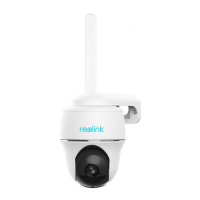
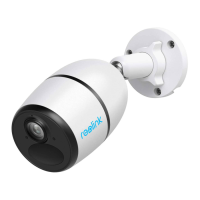
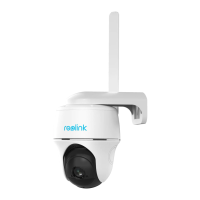
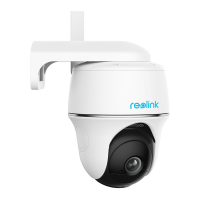
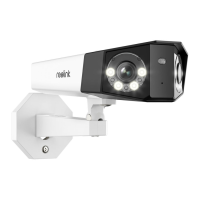
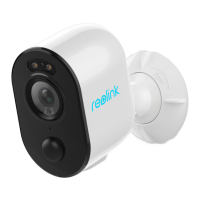
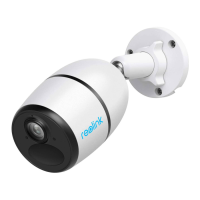
Reolink 4G Battery-Powered Camera
User Manual
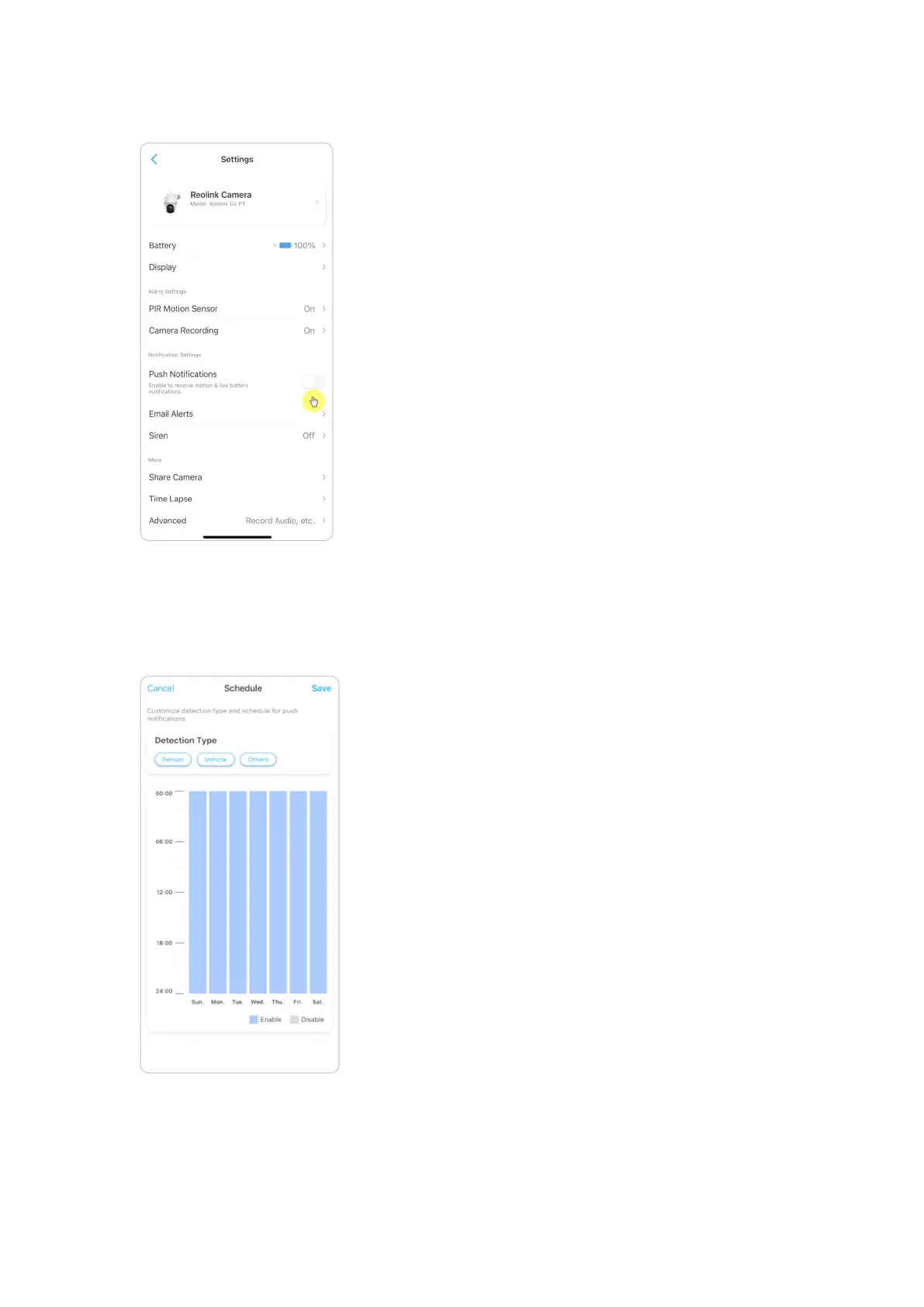
2. Tap on Push Notifications to enable this function.
3. Set a push Schedule if you need. For camera models Reolink Go PT plus and
Reolink Go plus, you can also select Person, Vehicle or Others.
Note:
Reolink Go and Reolink Go PT don’t have such option.


 To Next Page
 Loading...