!
!
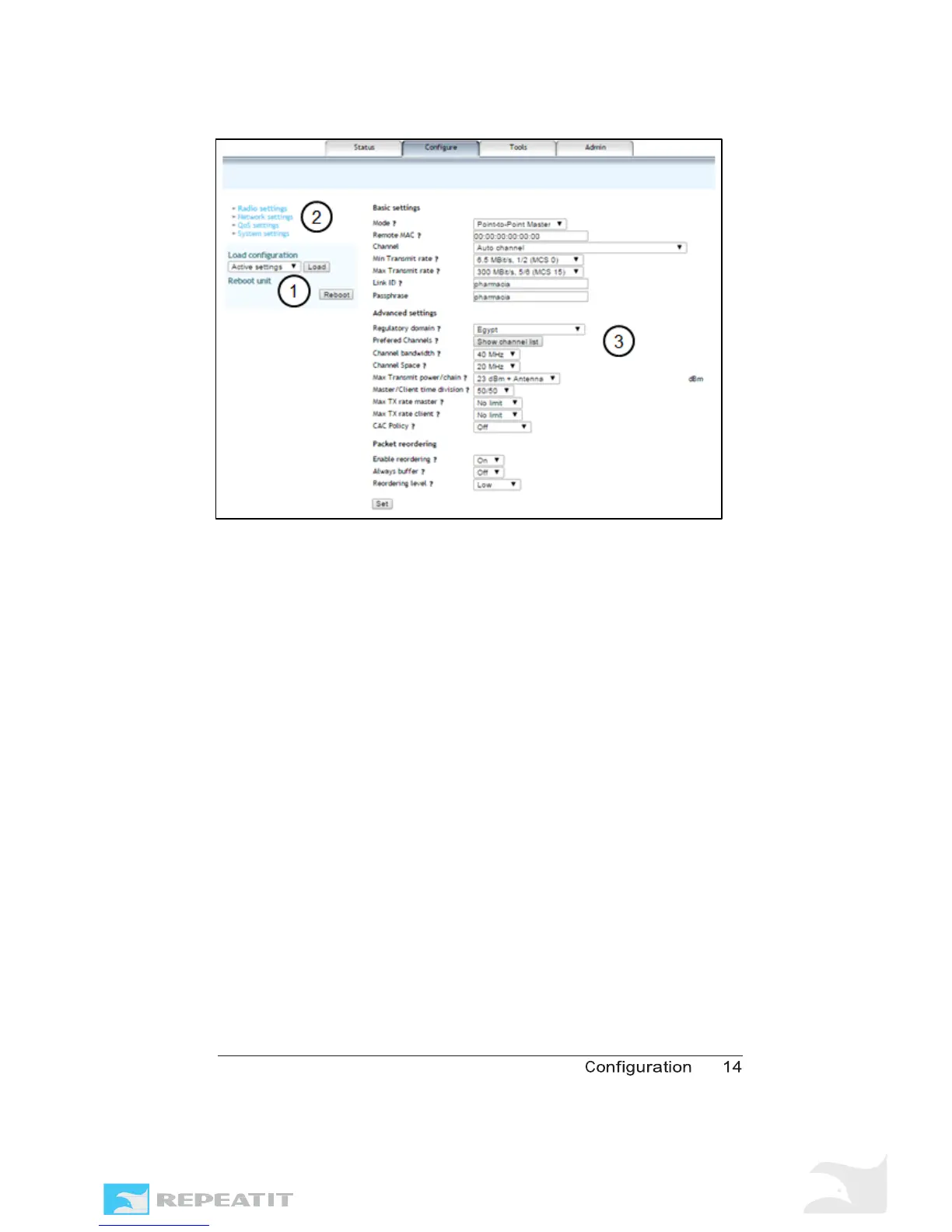
Figure 3 - Configuration tab with highlighted fields.
Short description on these three fields:
1. Configuration management pane. Anything related to apply,
save or load of configuration changes is handled here.
2. View selector. By changing between Radio settings, Network
settings, QoS settings and System settings, the information in
the configuration pane is changed to allow you to reach the
corresponding settings.
3. Configuration pane.
The sections below describe these fields and how to make
configuration changes in each one. Next to most parameters
you find a small question mark. Click on one of those to get
information about the parameter.



 To Next Page