20 21
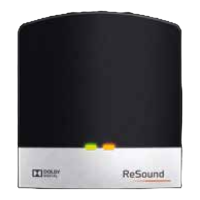
Status light indicator (LED)
The LED on your Multi Mic serves as a multipurpose user inter-
face, providing information on the status of your device.
Power/Charging No charging Charging Fully charged
Powered Off
Powered On (Normal)
Powered On
(Volume control disabled and MIC or
FM mode selected)
Powered On (Low battery) No LED indication No LED indication
Powered On (Low battery)
(Volume control disabled and Mic or
FM mode selected)
No LED indication No LED indication
Volume control locked or unlocked
(See page 28)
Turning power ON indication 3 seconds 3 seconds 3 seconds
Turning power OFF indication 3 seconds 3 seconds 3 seconds
Test mode (See page 31) Constant lit Constant lit Constant lit


 To Next Page