32 33
• To exit Test mode and save settings turn off the Multi Mic and
lock the volume control (see Volume control lock section in the
Special features chapter).
i
Note: Adjustments to reach transparency can be made on
the Multi Mic and/or in the hearing instrument using the fitting
software.
Important Information
Maintenance and Care
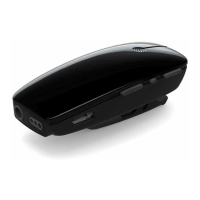
• Clean the Multi Mic using a dry cloth. Never use household
cleaning products (washing powder, soap etc…) or alcohol to
clean the device.
• When the Multi Mic is not in use, turn it OFF and store it safely.
• Protect the Multi Mic from excessive moisture (bathing, swim-
ming) and heat (radiator, car dashboard).
• Protect it from excessive shock and vibration.
• Protect the microphone and charger inlets from debris and
dirt. If necessary, use the cleaning brush provided with your
hearing instruments to clean these areas.


 To Next Page