16 17
1. Press and hold the hearing instrument program button for
about 3 seconds two or three times in a row to access the 2nd
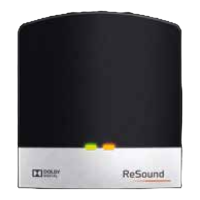
or 3rd ReSound streaming device.
2. If you use a Unite™ Remote Control (optional accessory),
press the streaming button on the Unite™ Remote Control a
2nd or 3rd time to access the 2nd or 3rd ReSound streaming
device.
3. If you use a ReSound app offering remote control functionality,
simply select the desired streaming program in the program
screen.
Stop streaming
Streaming can be stopped in the following three ways:
1. Push the program button on your hearing instruments once*.
2. If you have a ReSound Unite™ Remote Control (optional ac-
cessory), press the “P” button, located in the center of the key
pad*. You may also press the home button to return to your
default settings.
3. If you use a ReSound app, select the desired program in the
program screen.
*This will return the hearing instruments to the last program used.
i
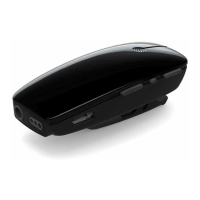
Note! You may get out of range from your Multi Mic. If your
Multi Mic gets out of range and in range again within 5 minutes,
your hearing instruments will automatically reconnect and con-
tinue streaming. This also applies if the Multi Mic is turned off and
on again within 5 minutes.


 To Next Page