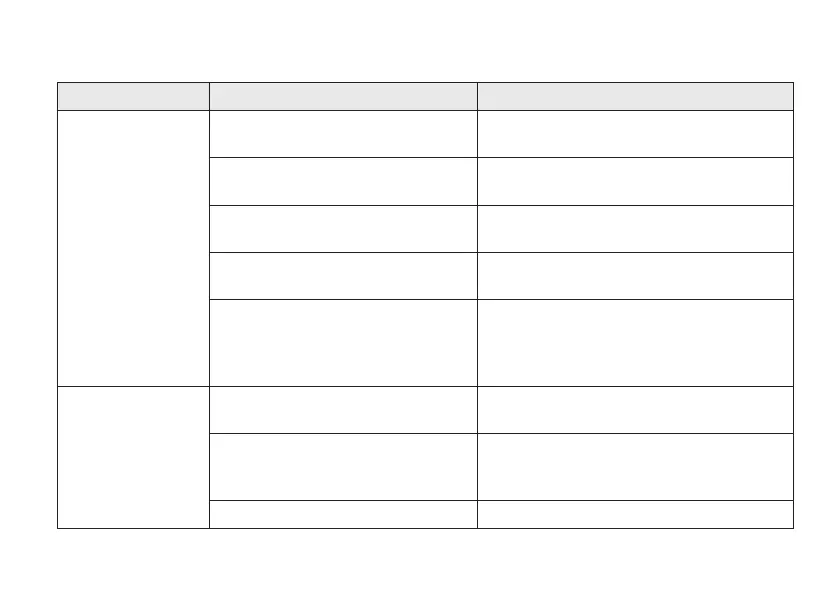
Troubleshooting
Issue Potential cause Potential solution
Feedback, "whistling" Is the hearing aid inserted correctly in
the ear?
Put it back in.
Is the hearing aid in the correct ear? Check for the red mark on the right hearing aid
and the blue mark on the left hearing aid.
Is the volume very loud? If you have turned up the volume, try turning it
down.
Are you holding an object (e.g., a hat or
a phone) close to a hearing aid?
Move your hand away to create more space
between the hearing aid and the object.
Is your ear full of wax? Visit your hearing care professional or doctor
to have your ears checked for wax. Some
people experience more wax after being fitted
with hearing aids.
No sound Is the hearing aid turned on? Turn it on.See "Turning your hearing aids on
and off", page 17.
Is the hearing aid charged? Place the hearing aid in the charger for
charging.
(See the user guide for your charger.)
Is your ear full of wax? Visit your doctor.
Troubleshooting 49









 To Next Page