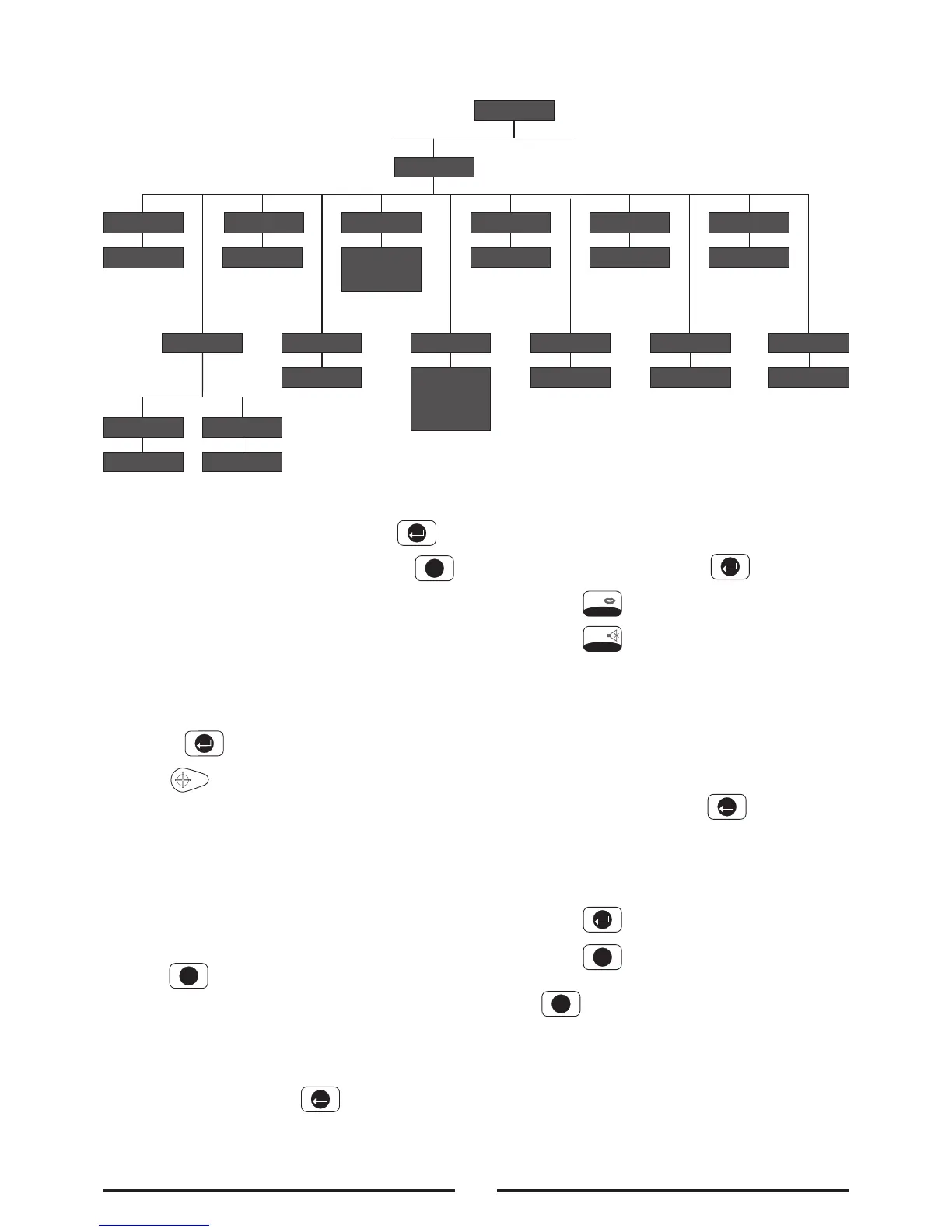
Scroll through the top level programming menu until
‘2. SYSTEM SETUP’ is displayed and press .
Note: After completing the system setup press
to return to the top level programming menu.
Learn System House Code
Scroll through the menu until ‘2-1 Learn House Code’
is displayed.
To program the Control Panel with the system House
Code press .
Press on the Remote Control.
The new programmed system house code will be
recorded into memory and displayed on the
bottom line of the LCD, with the corresponding
DIP switch number shown on the top line.
Make a note of the system house code now in the
space provided on page 40.
Press to exit.
Alarm Duration
Scroll through the menu until ‘2-2 ALARM TIME’ is
displayed. The current settings will also be displayed.
To change the settings press .
On/Off Status
Default setting: ON
Scroll through the menu until ‘2-2-1 Status’ is
displayed. The current settings will also be displayed.
To change the setting press .
Press to enable the Siren, or
Press to disable the Siren.
Alarm Duration
Default setting: 180 seconds
Scroll through the menu until ‘2-2-2 Time’ is
displayed.
To change the setting press .
Enter the required alarm duration in units of 10s.
e.g. enter 6 for a 60s alarm duration (max
setting 60, i.e. 600s/10mins).
Press to save and exit, or
Press to exit without saving.
Press to return to top level System Setup menu.
Note: Following initiation of a Full Alarm condition
the External Siren will continue to sound until either
the system is Disarmed; or the Control Panel Alarm
Duration Time expires; or if activated until the 3 minute
alarm time limit of the external Siren expires; whichever
occurs first.
System Setup
23



 To Next Page