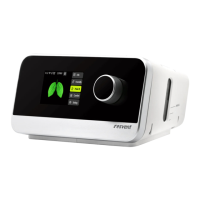
iBreeze CPAP Clinical Guide
5
6 Operation
This chapter describes basic operation and precautions associated with this device.
6.1 Accessing Clinical Mode
You can access, view and set parameters relating to a patient's therapy and device configuration
in the Clinical Mode.
To access the Clinical Mode:
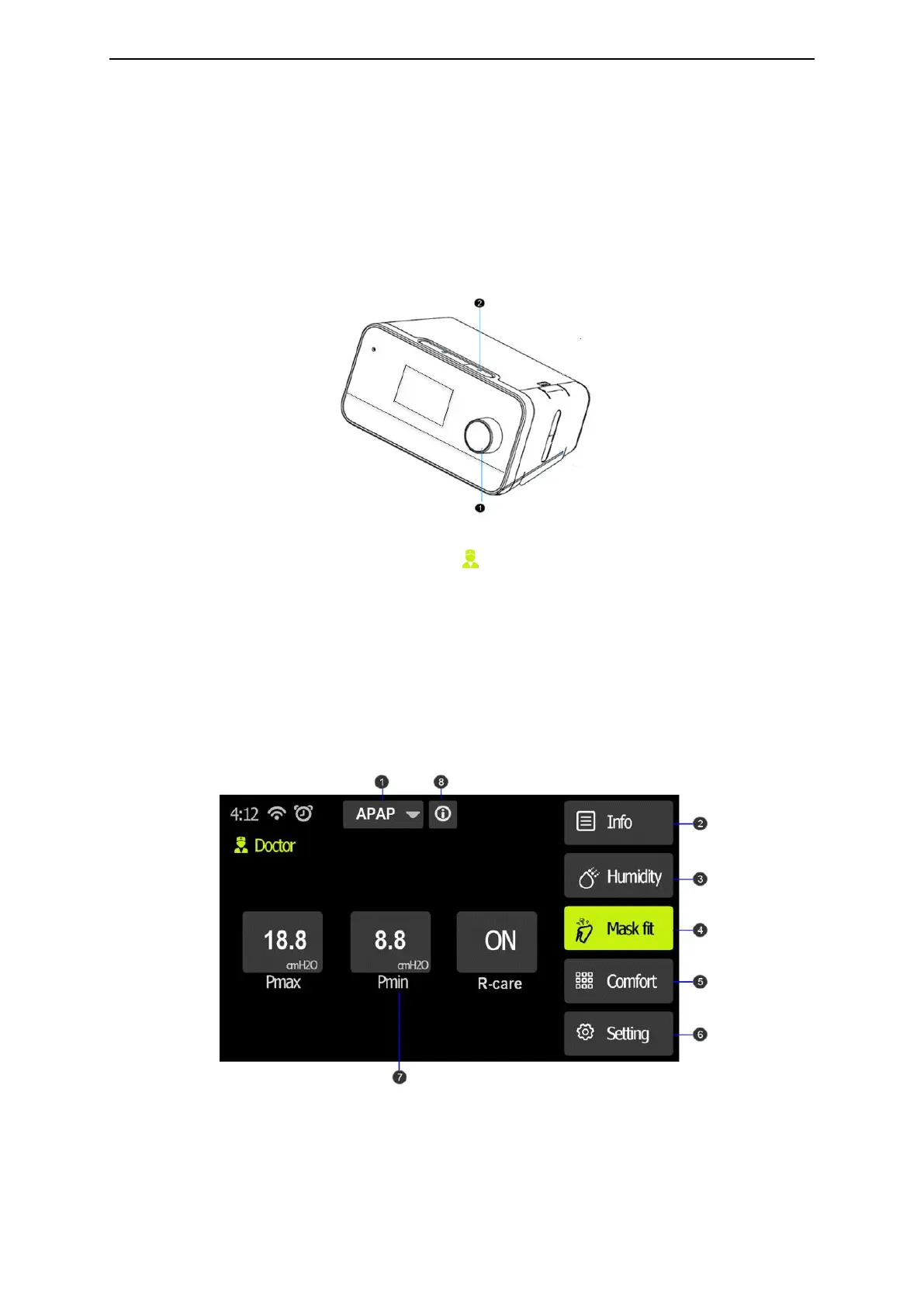
Press and hold both the control dial and the Ramp button on the device for three seconds.
The Home screen is displayed with an icon in the top right corner of the screen. You are
now in the Clinical Mode.
To exit the Clinical Mode:
Press and hold the dial and the Ramp button for three seconds.
6.2 Clinical Standby Interface
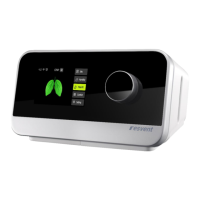
After accessing the clinical mode, the clinical standby interface is displayed as below:
Clinical standby interface



 To Next Page