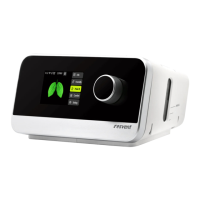
iBreeze CPAP Clinical Guide
6
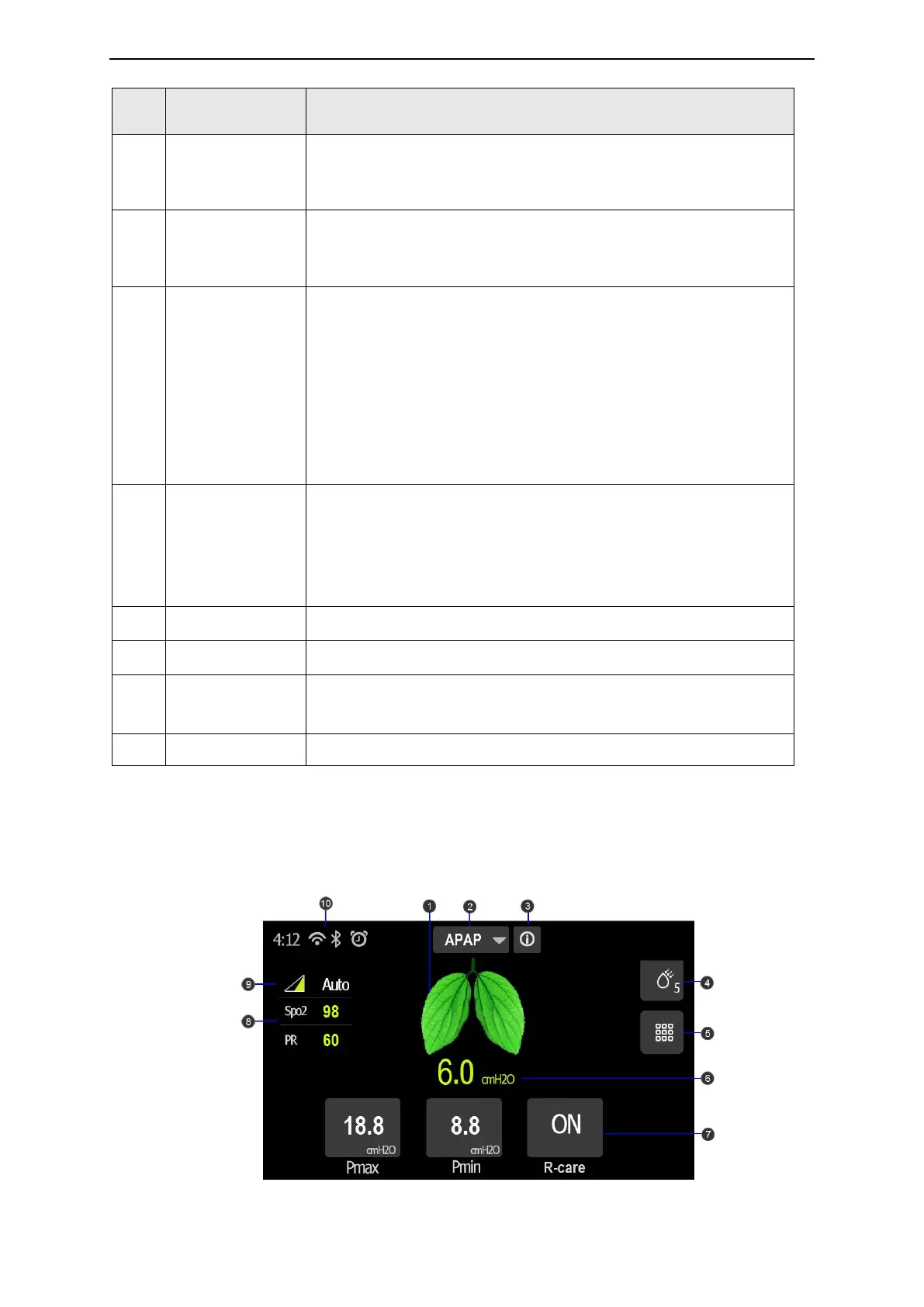
Displays the current mode and you can click here to set the
Therapy Mode.
Please refer Chapter7 “Therapy Information” for more details.
Patient Sleep
Quality Report
Displays the patient sleep quality report and the options for
period of the report are: daily (recent 6 days) / 7 days / 14 days /
1 month / 3 months / 6 months / 1 year.
Humidity level setting, Enhance patient comfort of respiration.
Option: Auto / OFF / 1 to 8
Default: 3
When auto humidity is enabled, the control algorithm adjusts the
humidifier output to maintain a constant humidity level of 85%
relative humidity while protecting against rainout.
Note: The humidity only can be set when the water is higher than
the limit level in the humidifier.
Mask fit test:
In the selection of a new mask, need to test the face mask to
wear whether the occurrence of leakage
In standby or therapy mode, click on the mask fit test icon,
display mask fit test in process with the animation interface
Press Comfort key, enter Clinical comfort setting interface
Press Setting key, enter Clinical System Setting interface
Set the parameters of the current therapy mode
Please refer Chapter7 “Therapy Information” for more details.
Display the alarm messages.
6.3 Clinical Therapy Interface
When the therapy starts, the screen will switch to the Patient Therapy Interface, which displays
the therapy parameters monitoring during therapy. The displayed parameters depend on the
current therapy mode.
Clinical Therapy clean interface



 To Next Page