Model Two Owner’s Manual
Copyright 2014 © Retro Manufacturing, LLCPage 26
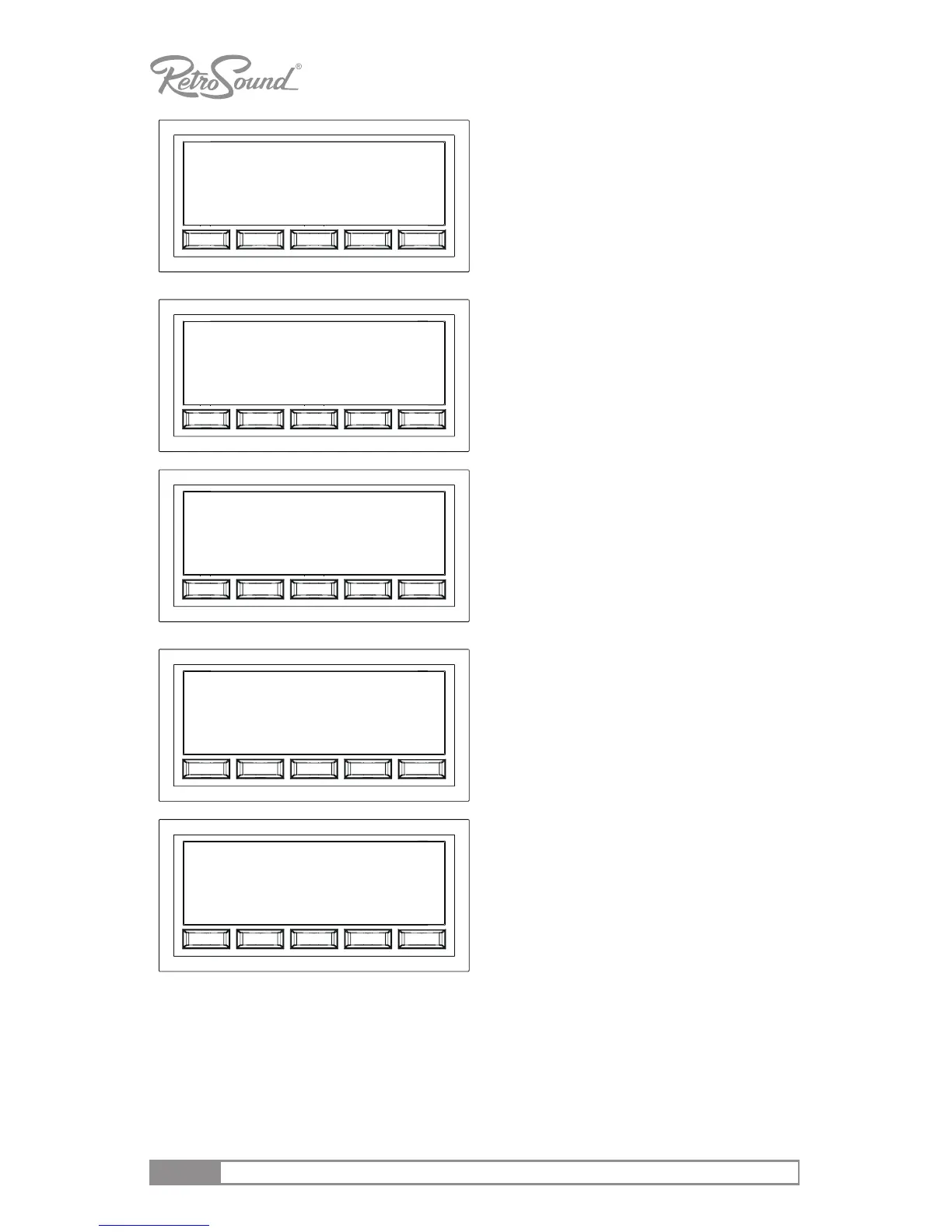
CLOCK
Choose the clock funcon to adjust
the clock hours and minutes.
Adjusng past 12 will toggle the AM/
PM indicaon. Pressing the front
right knob aer adjusng the me
will take you to the CLK 12/24 menu.
CLK 12/24
Adjust this funcon to choose
between the 12 and 24 hour clock
mode. The factory default seng is
CLK 12.
DISP FREQ/CLK
The unit default seng displays
frequency on the screen. Select DISP
CLK to show the clock as the priority
screen view. Turn right front knob
either clockwise or counter-clockwise
to select DISP CLK or DISP FREQ.
BEEP ON/OFF
This funcon controls the audible
beep conrmaon that sounds during
radio operaon. With the beep func-
on displayed, turn the right front-
knob to select BEEP ON or BEEP OFF.
SCAN
Select the desired color preset. By
default, the LCD lighng will alter-
nate between all colors. Preset color
opons include WHITE, GREEN 1,
GREEN 2, GREEN 3, ORANGE, RED,
PINK, PURPLE 1, PURPLE 2, BLUE 1,
BLUE 2, USER*, and AMBER.
DISP FREQ
BEEP ON
SCAN
CLK 12
PM 12 : 24
*To customize your own display color, select “USER” in the preset color menu, then press and re-
lease the right front knob. Once in this mode, press and release the right front knob to toggle R,
G or B (RED, GREEN or BLUE) modes (they will blink when selected). In each mode, you can change
the color hue by rotang the right front knob from 00-32 in each mode to select the desired color.
To move to the next RGB mode, press the right front knob, then make your color selecon. Note:
if you lower all RGB sengs down to “00” the display will go black, you will need to reset the
radio by disconnecng all power from the unit for 2 minutes. This will reset your radio to the fac-
tory defaults.



 To Next Page