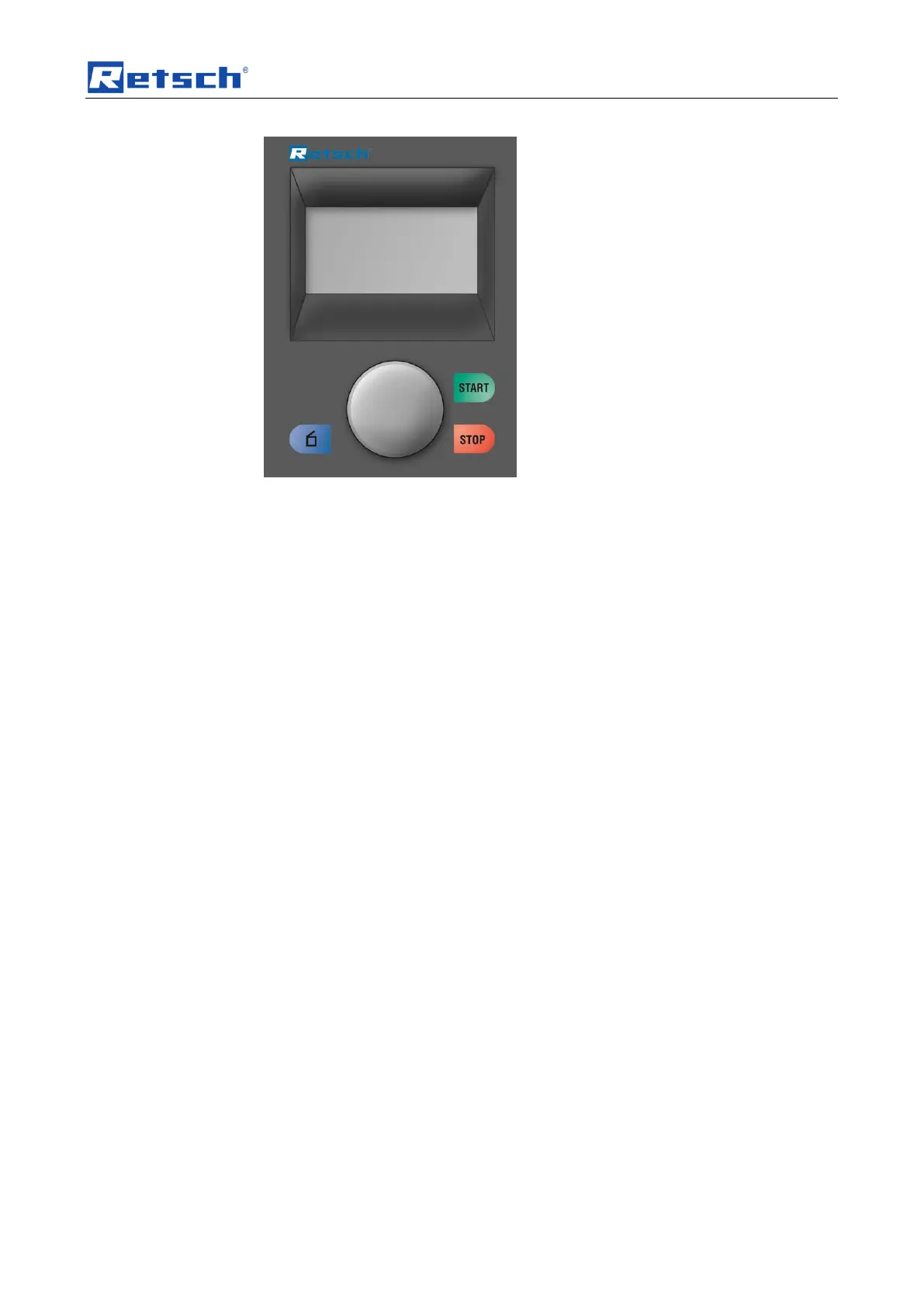
Display and operation
41
• Switch the device off at the main switch.
• Switch the device on while simultaneously pressing the buttons START -
STOP – Open hood.
• After selecting the correct language, switch the device off and then
immediately back on.
• Confirm your selection by pressing the operating button.
The device is now set permanently to your language and you are in the main
menu.


 To Next Page