Display and operation
42
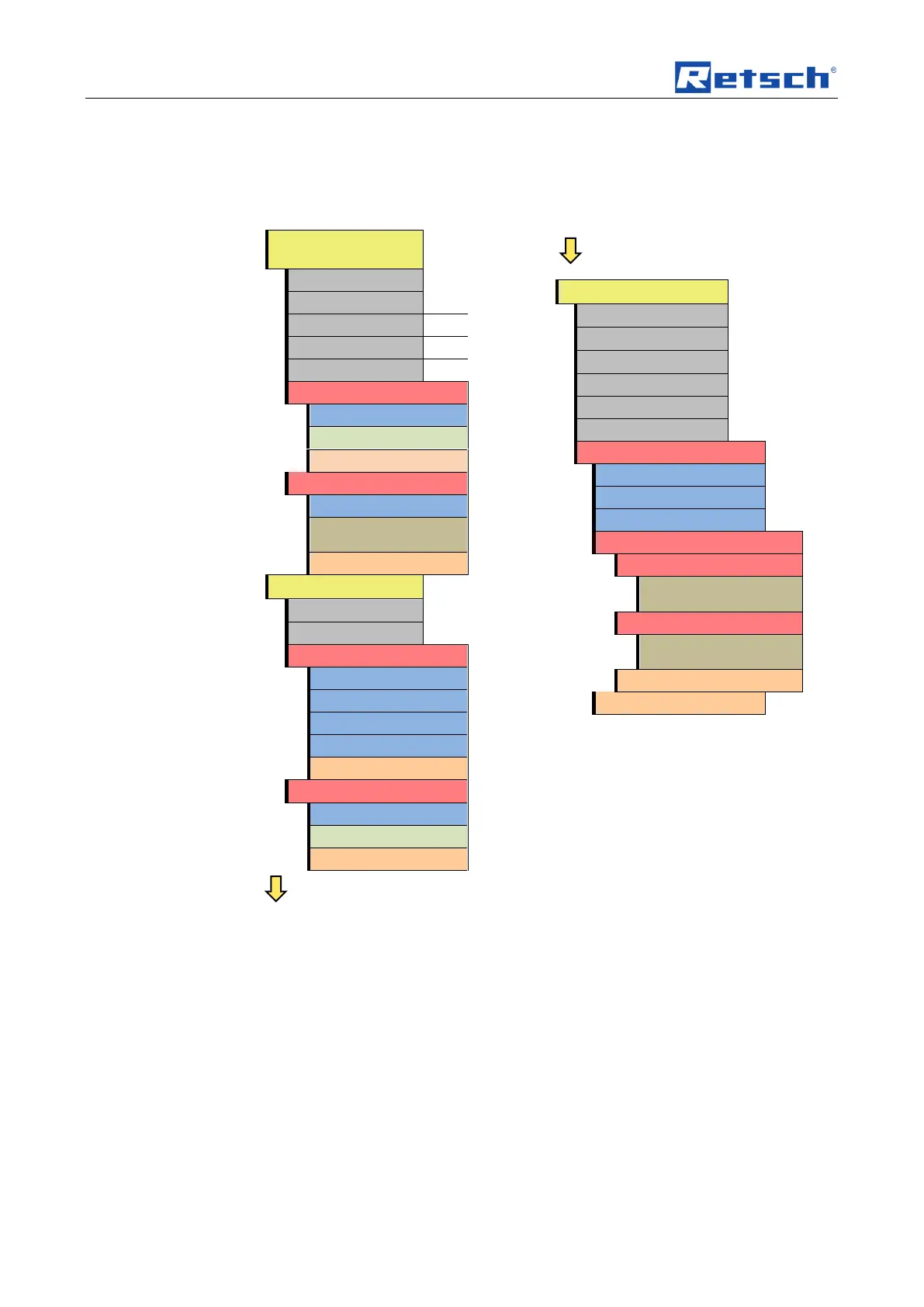
6.4 Menu structure
Complete summary of all menu options:
Screen notice:
To cancel press STOP
Software version of display
Software version of controller
Software update starts
automatically
Software update starts
automatically
6.5 Operating modes
You can select the following operating modes using the menu navigation (C1):
6.5.1 Manual operation
When this function has been set you can access and change all parameters and
functions at any time. This is also possible during grinding.
6.5.2 Program 01 to 10
In programs 01 to 10 the previously set parameters for grinding time and speed
can be saved to a memory.
6.5.3 Basic settings
You can adjust the following device settings in this settings menu:


 To Next Page