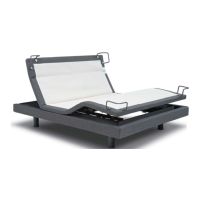
TANDEM FEATURE
If you want 2 sides to move in
sync when using one remote
(recommended for Split King/Cal
King units) you can pair to both
sides using the Tandem Feature.
You can also pair two remotes to
two sides, so that either remote can
control both sides at the same time.
You’re remote should aready be
paired to one of the control boxes.
Identify which one this is before you
begin. You must pair to the second
control box in order to use the
tandem feature. Repeat this process
if you want 2 remotes paired to both
sides.
STEP 1
Press the FLAT button 3 times to
enter Tandem Mode. You will see
a solid green light on the remote to
conrm.
STEP 2
Press and hold the pairing button on
the second control box then press
any button on the remote control.
You are now paired to the second
control box. The remote light will still
be green.
STEP 3
To now control both sides in tandem,
press the FLAT button 3 times. The
remote light will now ash between
red and green.
TO CHANGE BETWEEN
ONE SIDE AND TANDEM
CONTROL
To change between one side and
tandem control, press the FLAT
button three times, repeat this
to toggle between sides and the
Tandem Feature.



 To Next Page