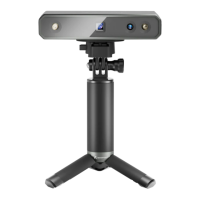
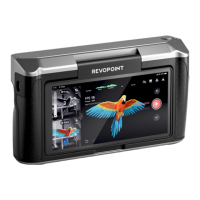
POP 3 Quick Start Guide
10 ©2023 REVOPOINT 3D ALL RIGHTS RESERVED
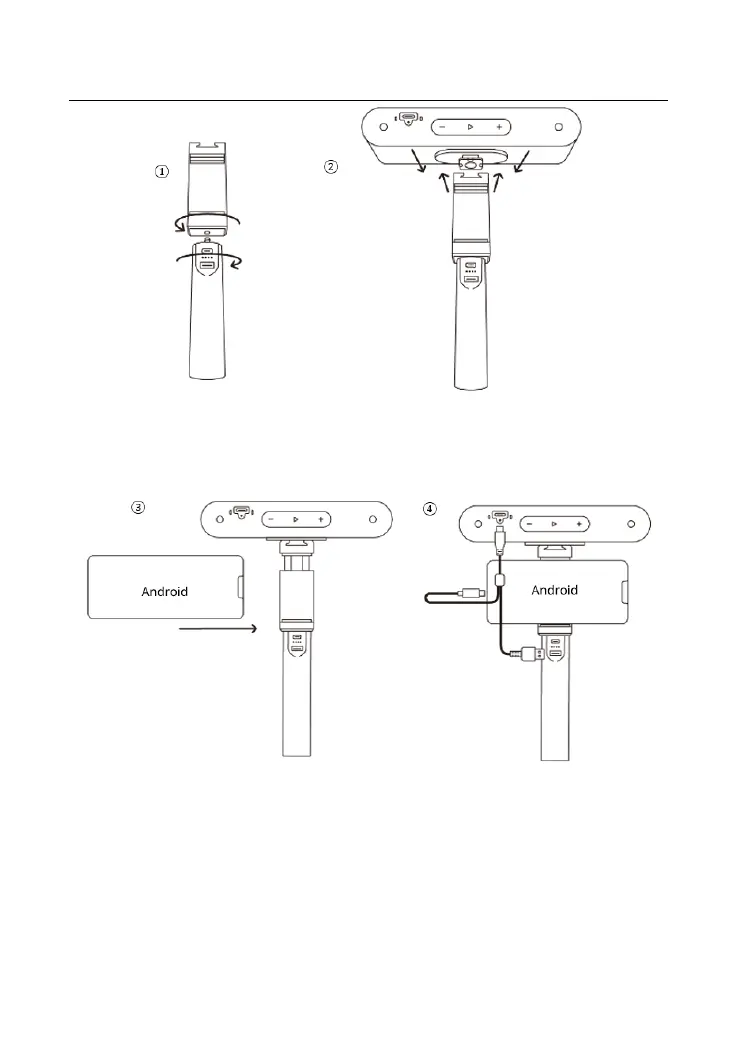
Step 3: Pull open the Phone Holder’s clamps and fit your smartphone.
Step 4: Connect the 2-in-1 Mobile Cable’s Type-C end to the POP 3’s
port, Type-A to the Power Bank, and Type-C to an Android smartphone.
Connecting POP 3 to Phones via Wi-Fi
Both Android and iOS Phones are compatible.
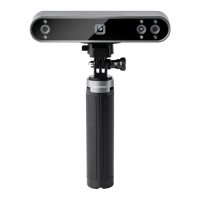
Step 1: Power the POP 3 on via the Power Bank Handle or a Socket.


 To Next Page