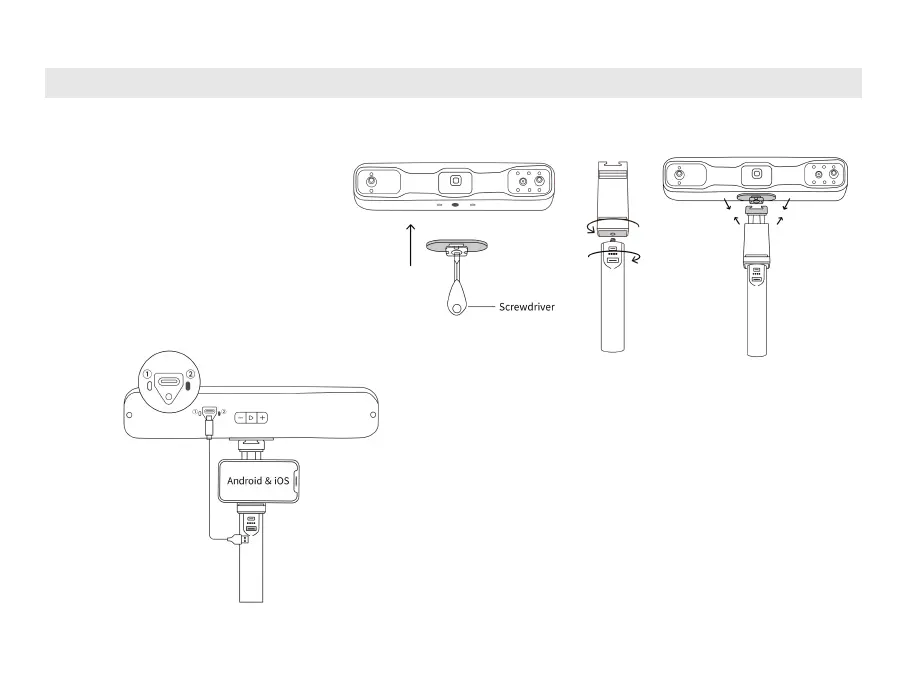
IV. Connecting RANGE 2 to Android or iOS Phones via Wi-Fi
Step 1: Attach the Quick Release
Plate, Phone Holder, and Power
Bank Handle to the scanner.
Step 2: Put a phone in the Phone Holder,
and use the USB Type-A to C Cable or
2-in-1 Mobile Cable to connect the
scanner to the Power Bank Handle.
When the scanner’s indicator
②
turns
solid green, it’s powered.



 To Next Page