RANGE Quick Start Guide
©2023 REVOPOINT 3D ALL RIGHTS RESERVED 15
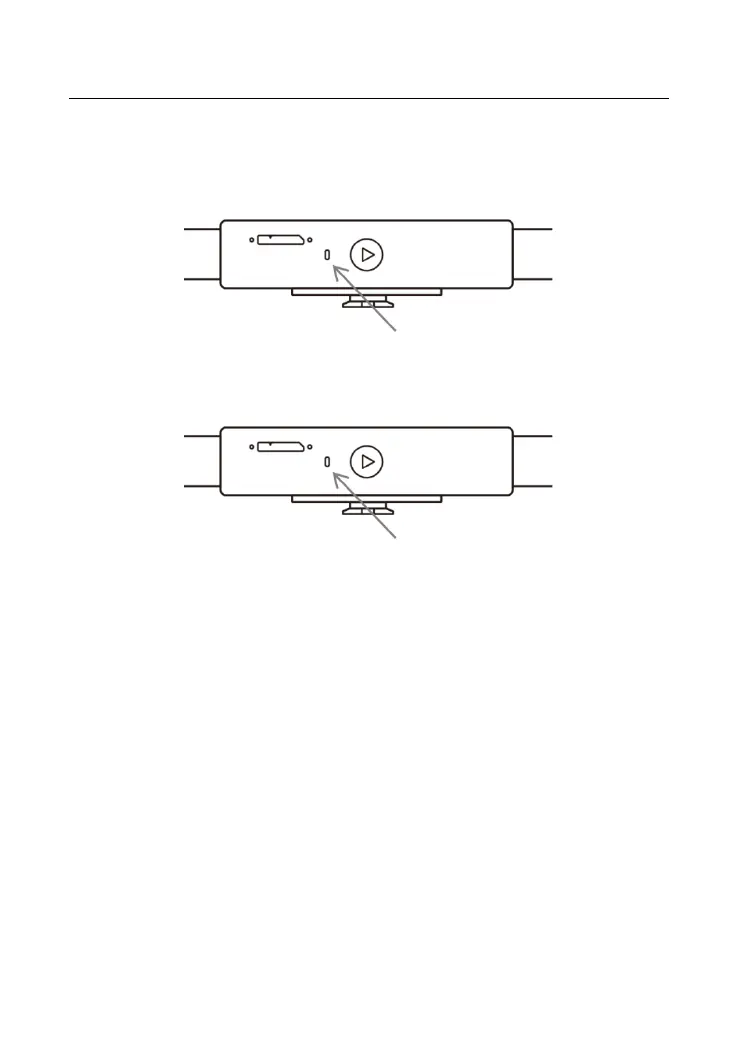
LED Indicators
Update the Firmware
When you connect your RANGE to Revo Scan, a pop-up will notify you
of any firmware updates. If you want to update your firmware, follow
the install wizard’s prompts and ensure that your RANGE has a stable
power supply.
Scanner Calibration
Your RANGE 3D Scanner was calibrated in the factory and only needs
to be recalibrated after a year of use or if the scanned results do not



 To Next Page