ILLUSTRATED PARTS MANUAL
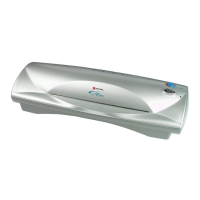
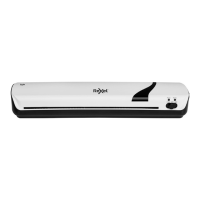
LM35, LM45 LAMINATORS
Rexel Business Machines, Westbank, Droitwich Spa, Worcestershire. WR9 9AP England
Tel: +44 (0) 1905 771555 Fax: +44 (0) 1905 823374
14
SECTION 11
Removal and Replacement of Main Lid
1 Unclip main lid from front shelf by pushing in firmly.from the
sides, slightly deflecting the middle of the lid.
2 Replace the lid by aligning its hinge pegs with holes in the front
shelf and pushing into place.
SECTION 12
Removal and Replacement of Paper Support
1 Open up the paper support tray.
2 Firmly grasp the support and depress it in the middle to enable
release of the hinge pegs from their locations in the main lid
3 Replace paper support.



 To Next Page