ILLUSTRATED PARTS MANUAL
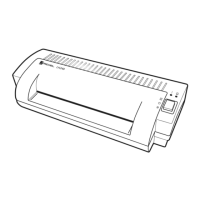
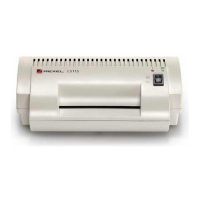
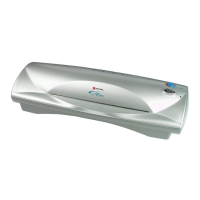
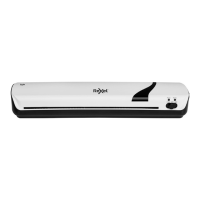
LM35, LM45 LAMINATORS
Rexel Business Machines, Westbank, Droitwich Spa, Worcestershire. WR9 9AP England
Tel: +44 (0) 1905 771555 Fax: +44 (0) 1905 823374
15
SECTION 13
Replacement of Keypad Cover -- LM45 only
NB
THE KEYPAD COVER ON THE LM35 IS FIXED INTO POSITION
AND SHOULD NOT BE REMOVED.
1 The keypad cover is secured to the front shelf by two side
fixing/hinge pegs which clip into two holes.
2 To free the cover, slightly pull its outer edges apart.
3 Replace the keypad cover.
SECTION 14
Replacement of Keypad Membrane
1 Remove PCB with its cover (Section 3 pt 1). Do not disconnect any
wires.
2 Replace the keypad membrane.
3 Ensure LCD cover is in position when reassembling.
4 Re-place PCB with cover.



 To Next Page