13
Device Power
The device will be automatically powered on when plugged
into a 12V accessory socket or cigarette lighter when receives a
charge (i.e.: the vehicle is started).
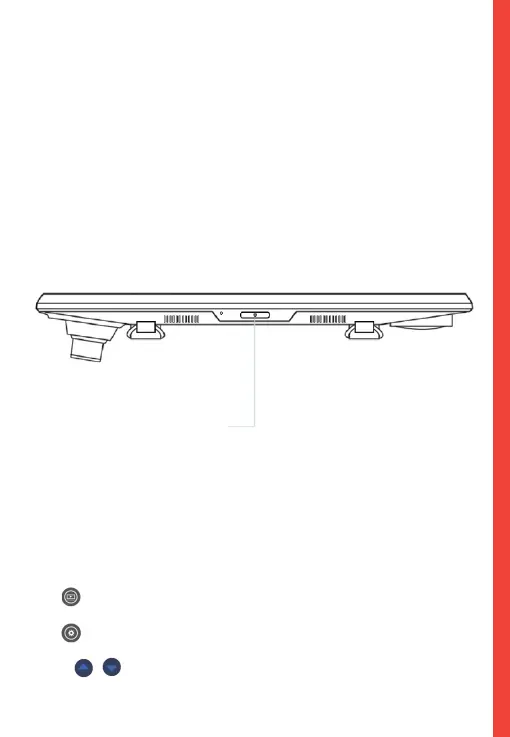
To turn the device on manually, press and hold the POWER
button until the welcome screen appears.
The camera will automatically start recording when powered on.
Menu Settings
Power the camera On. If the camera is recording, tap the record
button to stop recording.
Tap button and toggle to the playback mode.
Tap button once to enter the settings menu for a Mode.
Press / to enter system settings (set up).
5. Basic Operation
Press and hold the
POWER button to turn
the device on manually



 To Next Page