16
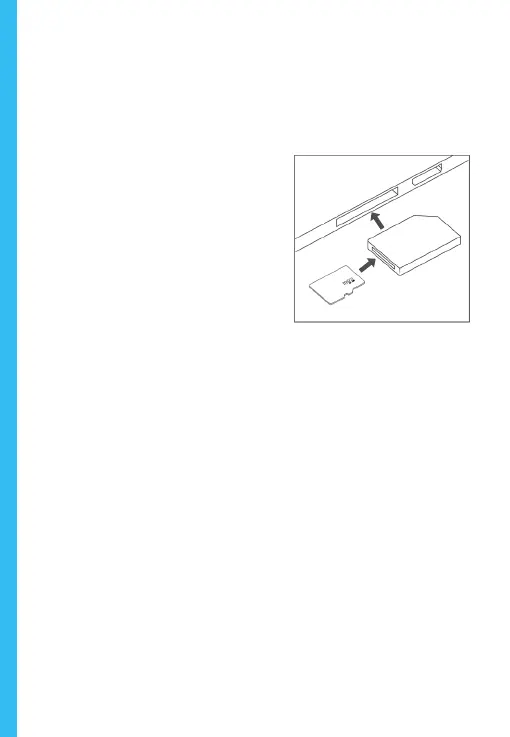
To playback a video on the computer, use an SD card adapter.
To playback a video using an SD card adapter, remove the
memory card and insert it into an SD card adapter. Place the
adapter in the computer.
Recommended Media Players: QuickTime Media Player / VLC /
Windows Media Player
Insert your micro SD into an SD card adapter, then insert the
SD card adapter into your computer (or card reader) to access
your card storage. Your front and rear camera videos will be
stored under the “Video” folder, sorted into the “F” and “R”
subfolders respectively.
Locked videos can be found on the memory card under the
“Lock” folder.



 To Next Page