58
Per riprodurre un video sul computer, usa un adattatore per
scheda SD.
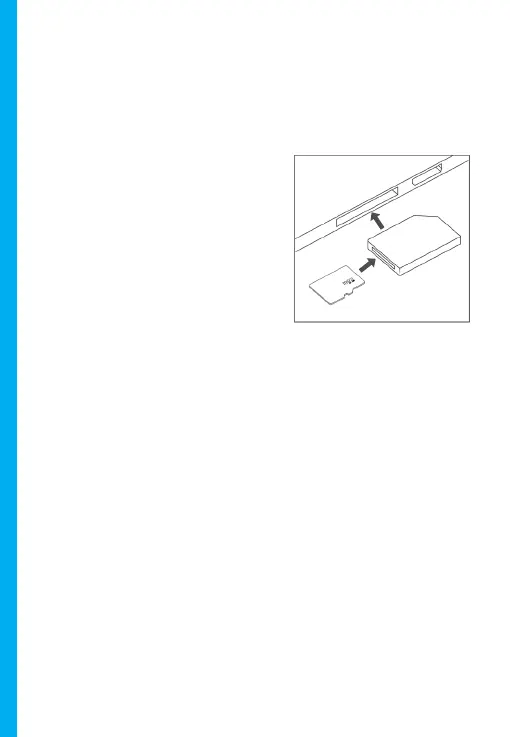
Per riprodurre un video usando un adattatore per scheda SD,
rimuovi la scheda di memoria e inseriscila in un adattatore per
scheda SD. Posiziona l’adattatore nel computer.
Lettori Multimediali Consigliati: QuickTime Media Player / VLC /
Windows Media Player
Inserire la tua scheda micro SD in un adattatore per scheda SD,
quindi inserisci l’adattatore per scheda SD nel tuo computer (o
nel tuo lettore di schede) per accedere alla memoria della tua
scheda. I video della tua telecamera anteriore e posteriore
verranno memorizzati nella cartella “Video”, memorizzati
rispettivamente nelle sottocartelle “F” e “R”.
I video bloccati possono essere trovati sulla scheda di memoria
nella cartella “Blocco”.



 To Next Page