9
Step 3:
Power the Camera and Format the Memory Card
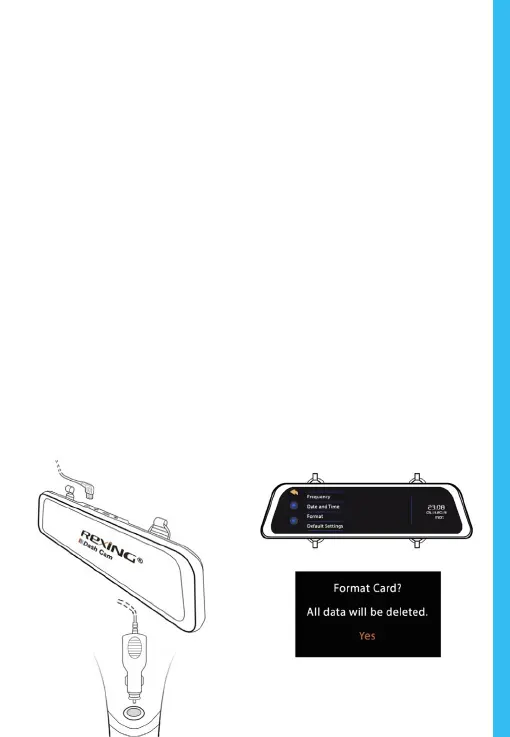
Power the camera by connecting the charger to the car
cigarette lighter and camera. To ensure the M1 records to
your memory card properly and without error. Before you
start using a new memory card, you must format the
card within the camera using the format function. Always
backup card before formatting.
To format the memory card, make sure you have inserted
your memory card, then turn on the device by connecting to a
power source. Upon turning on the camera, tap Record button
to stop recording. Then tap the Settings button to access the
Settings Menu.
Use the arrow keys to navigate to the “Format” option. Once
this option is highlighted, tap “Yes” to continue. You will be
asked to conrm your choice. Tap “OK” to conrm.
You may now disconnect from power. The camera will shut
down after 3 seconds. The camera should begin recording
automatically the next time it is powered on.
Press the Yes button to
conrm formatting the card



 To Next Page