18
Wi-Fi
With the dash cam built-in Wi-Fi, you can use your smart device as a remote camera,
viewfinder, and download files to your phone. Please disconnect the Wi-Fi connection
first if you want to operate on the dash cam.
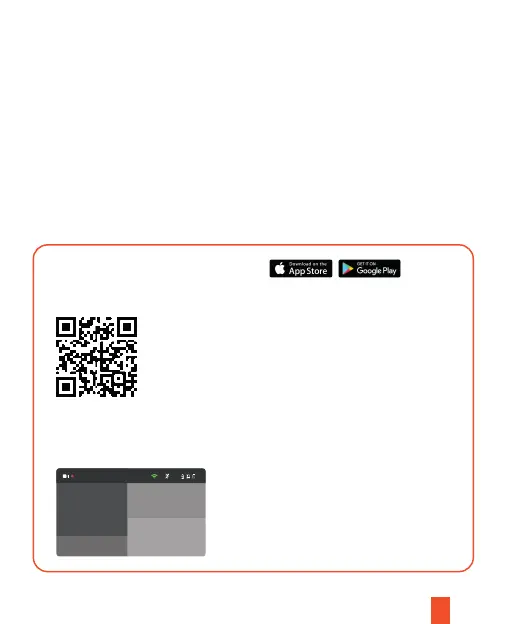
Downloading the Wi-Fi App
Download Rexing Connect app from the App Store or Google Play or scan
the QR code below.
Pairing the camera to your device
Turn on Wi-Fi on the dash cam and the SSID and password
will be shown as below.
1. Press the Record button to stop recording
2. Press the Menu button twice to enter General Settings
3. Press the Up or Down button to toggle to Wi-Fi
4. Press the OK button to turn it on/off
5. Press and hold the Menu button for 3 seconds to exit.
00:26
1080P*3 10/07/2021
15:03:04
Wi-Fi is connected
SSID: D70W_CDR_6D
PWA2: 12345678
MAC: 04:39:26:4C:69:6D
Long press OK to close Wi-Fi
You can also press and hold the OK button for about 3 seconds to turn on/off
the Wi-Fi feature.



 To Next Page