19
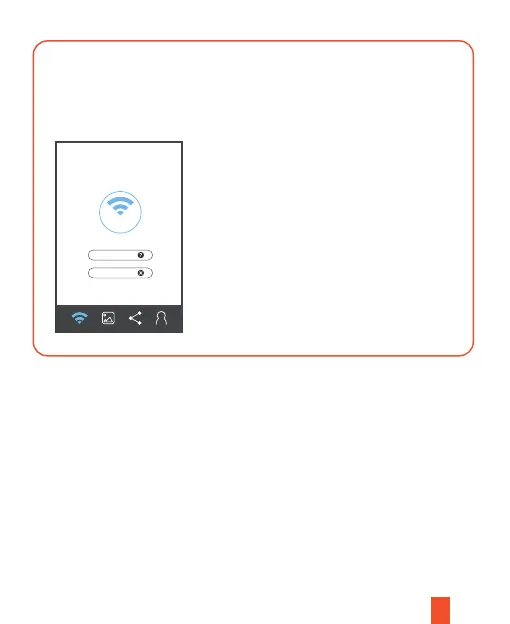
Open Settings on your phone (make sure that the Wi-Fi has turned on) and
find the SSID in the network list, then enter the default password 12345678
to connect. Once it’s connected, the Wi-Fi icon on the dash cam screen will
turn to green.
Open the Rexing Connect app and press connect to complete the pairing.
Restore Factory Settings
Performing this operation will reset all of your device's settings to their original values.
Note:
Any user-customized settings will be lost.
Connect
Wi-Fi Connect
How to Connect
Unpair Camera



 To Next Page