Use a pin and press it for 5 seconds to reset the device
back to the manufactures' default settings
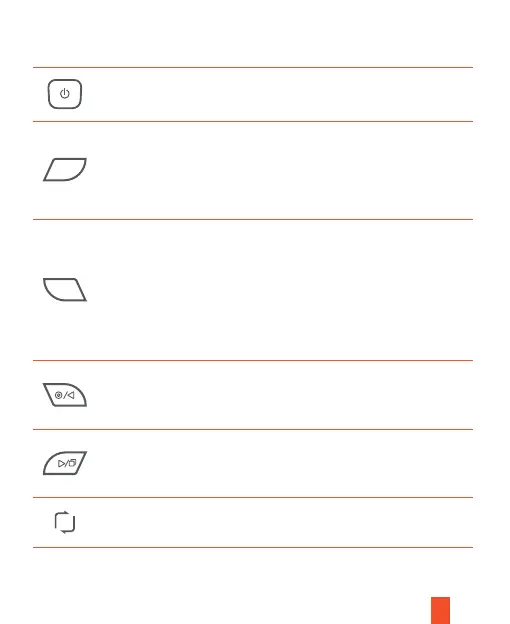
Button Function
• Press to turn on or turn off the screen
• Press and hold for 3 seconds to turn the device on or off
• Press to confirm a selection in settings
• Lock a Video: Press to manually lock / unlock
a video file while recording
• Press and hold for about 3 seconds to turn
on/off the Wi-Fi
• Press to navigate UP through the options in settings
• Press to start / stop video recording
• Press and hold for about 3 seconds to take a photo
• Press to navigate DOWN through the options in settings
• Press this button to switch among three camera's views
• Press and hold for 3 seconds to turn on/off the audio
Please press the Record Button to stop recording first.
• Press once/twice to switch between Video Settings and
General Settings; press and hold for 3 seconds to exit
settings
• Press and hold for 3 seconds to switch between video
recording and playback modes
• In the playback mode, press to switch among the three
cameras' footages
OK
M
R
4



 To Next Page