4
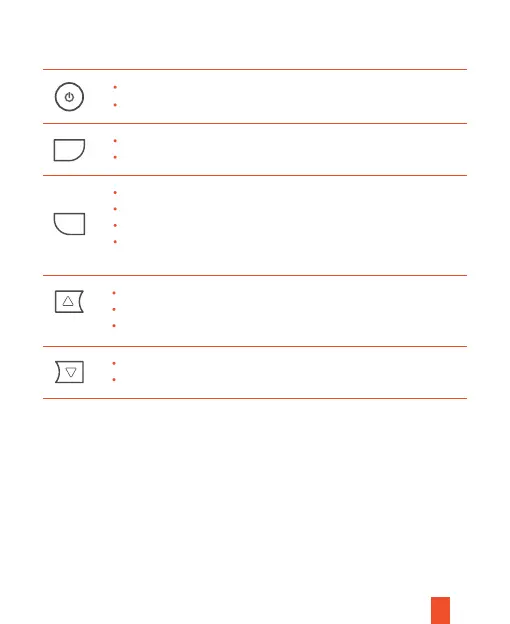
Button
Function
Press to turn on or turn o the screen
Press and hold to turn on/o the device manually
Press to confirm a selection while in setting mode
Press and hold 3 seconds to turn on/o the Wi-Fi feature
Press to toggle up through options in settings
Press to switch among front and cabin/front/cabin view
Press and hold to manually lock the video file while recording
Press to toggle down through options in settings
Press to turn on/o the microphone while recording
Press the OK button to stop the recording first.
Press once to enter Video Settings
Press twice to enter Setup Settings
Press and hold for 3 seconds to switch between
Playback mode and Recording mode
M
OK


 To Next Page