11
The camera automatically starts
recording when powered on
Video Recording
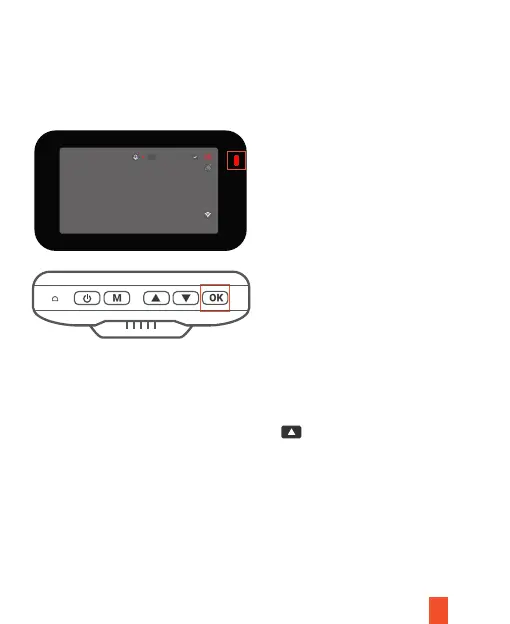
The camera will automatically start recording when the device receives charge.
The LED lights and red dot will blink device when recording. Press the OK button
to stop recording.
Rec
EMR Mode (Locked Video)
To use the Emergency Record Mode, press the
button to manually record a
20 second video that is automatically saved and locked.
View EMR recordings by pressing the menu/playback button.
4K
Reset
SSID:WYK CARDV WIFI XXXXXX
PWD:12345678
06-09-2022 15:42:54 000 mph --
00:00:09



 To Next Page