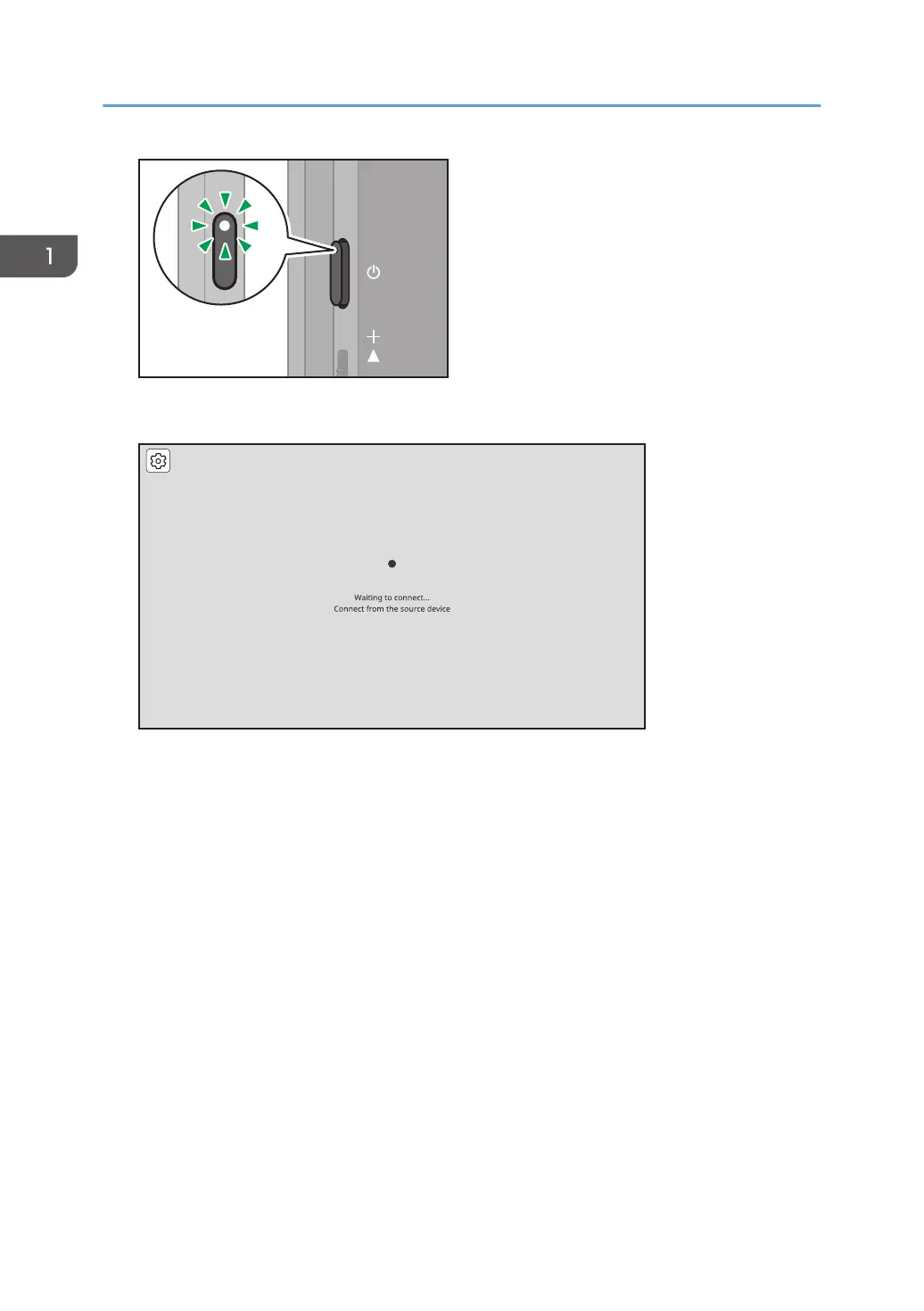
The Waiting to Connect screen is displayed.
When the Waiting to Connect screen is not displayed, press the Switching Input/Back button to
switch the input method to "Wireless Connection". For details, see "Switching Inputs", Operating
Instructions.
2. Start RICOH Monitor Multicast for Windows.
When RICOH Monitor Multicast for Windows starts, the search for RICOH Monitors in the same
network starts and the list of such is displayed.
1. Connecting the Device via Wireless Connection
38



 To Next Page